Disk Drill Review 2026: Best Data Recovery Software for Mac
Disk Drill makes a stressful job unusually manageable on macOS. The free scan is useful, though meaningful recovery usually requires the $89 Pro plan.
Disk Drill is our top general-purpose data recovery pick for Mac. It handles deleted files, formatted cards, unreadable disks, lost partitions, plus fragmented camera footage through a clean interface. Run the free scan first, then buy Pro only if your important files open correctly in Preview.
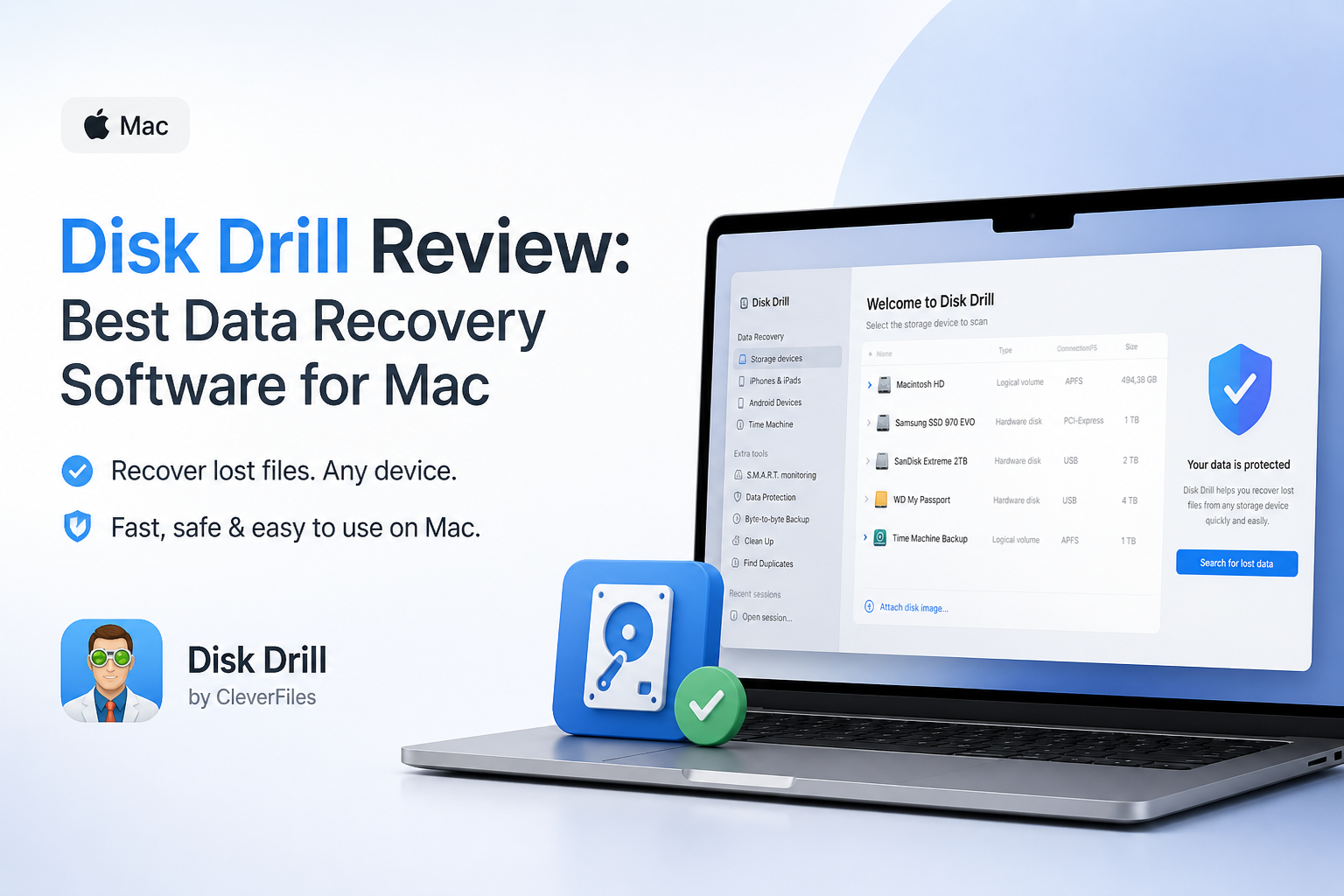
Disk Drill for Mac at a Glance
9.1/10Disk Drill is a desktop data recovery utility for macOS. It searches drives, memory cards, disk images, plus supported mobile sources for deleted or inaccessible files.
Best forMac owners recovering files from external disks, memory cards, lost partitions, or recently formatted media
- Universal multi-method scan
- File preview before purchase
- Advanced Camera Recovery
- Byte-to-byte disk imaging
- APFS plus HFS+ recovery support
- Easy result browser
- Excellent Mac compatibility
- Useful imaging tools
- Full Mac recovery usually costs $89/year
- TRIM limits internal SSD recovery
- Cannot fix physical drive damage
Disk Drill for Mac: How It Scored Across Our Recovery Criteria
| Category | Performance | Score |
|---|---|---|
| 01 Mac Recovery Workflow | 9.4/10 | |
| 02 Scanning Tools | 9.2/10 | |
| 03 File Preview Experience | 9.0/10 | |
| 04 Storage Device Support | 9.1/10 | |
| 05 Cost Plus Licensing | 8.4/10 |
How We Evaluated Disk Drill for Mac Data Recovery
We reviewed the Disk Drill 6.3 workflow on macOS, covering installation, required permissions, device selection, Universal Scan, result filtering, file previews, scan-session handling, plus recovery destination safeguards. We also checked current macOS compatibility, official pricing, supported file systems, release notes, plus the behavior of its byte-to-byte imaging tools.
Scores favor actions that matter during an actual loss: finding the correct disk, avoiding writes to it, confirming files before payment, plus saving recovered data somewhere safe. We did not assign a universal recovery-rate figure because results change radically with overwriting, TRIM, encryption, fragmentation, plus hardware condition.
When Disk Drill Is the Wrong Choice for a Mac Drive
Do not keep scanning a drive that clicks, grinds, disconnects repeatedly, reports the wrong capacity, or fails to appear in Disk Utility. Software forces the device to perform more reads, which can turn a marginal mechanical problem into a dead drive. Power it down, then contact a reputable recovery lab.
Disk Drill is also unlikely to restore deleted data from a modern internal Mac SSD after TRIM has cleared the relevant blocks. Check Time Machine, iCloud Drive, app version history, email attachments, plus other synced devices before purchasing recovery software.
Disk Drill for Mac Recovery Features in Detail
01 Mac Recovery Workflow
A calm interface for a decidedly stressful task
9.4/10
Mac Recovery Workflow
A calm interface for a decidedly stressful task
Disk Drill gets the basic recovery flow right. Select a disk, click Search for lost data, inspect the results, then choose a different destination for restored files. Labels are understandable without prior recovery experience.
The result browser separates deleted, existing, plus reconstructed files. Filters for file type, size, date, name, or recovery chance keep a large scan from becoming one endless pile of cryptic filenames.
macOS may request Full Disk Access or an administrator password. That extra setup is expected for a utility that must read storage devices at a low level, though the permissions can look alarming if you were expecting a regular Mac app.
- Simple scan-to-recovery path
- Helpful file-type filters
- Clear recovery-chance indicators
- Works natively on modern Apple silicon Macs
- macOS permissions add a setup step
- Large scans still require patience

02 Scanning Tools
More depth than the single blue button suggests
9.2/10
Scanning Tools
More depth than the single blue button suggests
The default Universal Scan combines several recovery methods, so most people do not need to pick a technical scan mode. It can look for recently deleted entries, damaged file-system records, lost partitions, plus files reconstructed from known signatures.
Advanced Camera Recovery is the more unusual feature. It targets fragmented footage on original camera cards or byte-level images, including media from common action cameras, drones, mirrorless cameras, plus dashcams. It is a specialized mode, not a magic improvement for every hard drive.
Disk Drill 6.3 also includes improved byte-to-byte imaging. This lets you copy a questionable drive sector by sector, then scan the image instead of repeatedly stressing the original device.
- Automatic multi-method scanning
- Special mode for fragmented camera media
- Pause plus resume controls
- Scans disk images without touching the source again
- Advanced modes need a little reading
- Deep scans can produce duplicate-looking results
03 File Preview Experience
The free version earns its keep before checkout
9.0/10
File Preview Experience
The free version earns its keep before checkout
Preview is the feature to use before spending money. Photos can be inspected at a useful size, supported videos can be played, plus documents can often be opened directly from the result list. A working preview is much more meaningful than seeing a familiar filename alone.
Disk Drill also estimates each file’s recovery chance. Treat that label as guidance, not a promise. If the exact file does not preview correctly, paying for Pro will not repair overwritten content.
- Previews available before purchase
- Search works by filename or extension
- Recovery estimates help prioritize files
- Results can be reviewed while scanning continues
- Some reconstructed files lose original names
- A thumbnail does not prove every byte is intact
04 Storage Device Support
Strong coverage for a mixed Mac desk
9.1/10
Storage Device Support
Strong coverage for a mixed Mac desk
Disk Drill can scan Mac internal storage, external hard drives, USB sticks, SD cards, disk images, mobile-device backups, plus many RAID or network configurations. File-system support includes APFS, HFS+, FAT, exFAT, NTFS, ext2/3/4, BTRFS, plus RAW media.
Version 6.3 runs on macOS 10.15 through macOS 26. Older Disk Drill builds remain available for Macs stuck on earlier operating systems.
The main technical limit is not device support. It is the state of the data. A Mac SSD that has already processed deleted blocks through TRIM may have nothing left for software to retrieve.
- Current support through macOS 26
- Apple silicon compatibility
- Broad file-system coverage
- Useful SD card plus external-drive support
- TRIMed SSD files are generally unrecoverable
- Physical hardware failure needs a recovery lab
05 Cost Plus Licensing
Reasonable for a real emergency, less appealing for one tiny file
8.4/10
Cost Plus Licensing
Reasonable for a real emergency, less appealing for one tiny file
Disk Drill Basic costs $0 to download. It can scan drives, show recoverable files, run previews, plus provide access to several disk utilities. Mac users should view Basic primarily as a scan plus preview edition, not an unlimited free recovery tool.
Disk Drill Pro is listed at $89 per year. That price makes sense if you have a card full of work, a lost project folder, or several disks to inspect. It feels steep when the target is one document that should have been in iCloud or Time Machine.
Check the renewal terms shown at checkout. User complaints sometimes focus on billing expectations rather than the scanner itself, so save the receipt plus note the renewal date.
- Free scanning before purchase
- Preview reduces blind purchases
- One license covers the core recovery toolkit
- Useful extras are included
- Mac recovery usually requires Pro
- Annual billing may not suit one-time use
- Recovery is never guaranteed
What Disk Drill Users Report About Real Recoveries
The poster says Disk Drill recovered photos from an inaccessible SD card in roughly 10 minutes after other tools failed to recognize or reconstruct the media properly.
A wedding videographer reported recovering roughly 40 to 50 GB from a mistakenly formatted Canon card after checking a small playable clip before paying.
One commenter said the scan appeared promising before purchase, yet the desired files could not be recovered. The same user was also unhappy with the support response.
A Mac user described recovering about 87,000 files from a drive Finder could not read, though the recovery required considerable sorting afterward.
Should Mac Users Download Disk Drill?
Disk Drill is the best Mac data recovery app for most nontechnical users who need to inspect an external drive, formatted card, lost partition, or unreadable volume. Its previews, filters, current macOS support, plus byte-level backup tool make the recovery process easier to judge before paying.
Skip it if the drive clicks, disappears from Disk Utility, or contains irreplaceable business data. Those cases belong with a professional lab. Internal SSD deletion is also a weak use case once TRIM has cleared the blocks.
Stop writing to the affected device, create a byte-to-byte image when possible, then confirm that the exact files open in Preview before buying Pro.