Top Mac Data Recovery Software in 2026
Disk Drill is our first choice for a preview-led recovery attempt. These four picks serve different budgets, comfort levels, storage problems.
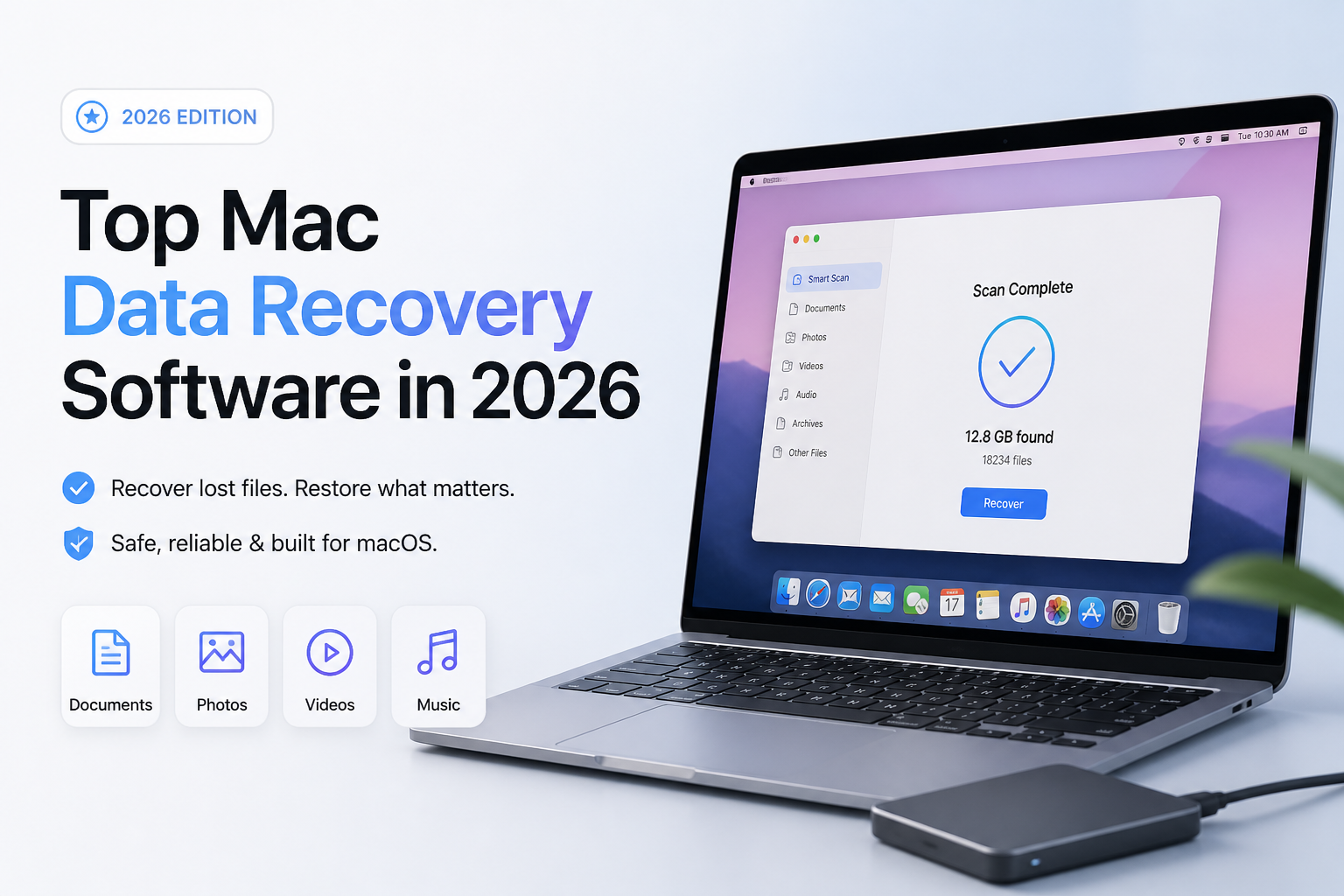
Disk Drill is our overall pick because its documented preview workflow helps you inspect files before paying. Choose R-Studio for more technical storage work, DMDE for inexpensive folder recovery, or PhotoRec if spending nothing matters more than keeping filenames. These are editorial recommendations, not comparative lab results. (cleverfiles.com)
Disk Drill
9.0/10Best for: Mac owners who want to inspect recoverable files before committing to a paid recovery
- Preview files before paying. (cleverfiles.com)
- Supports recovery from disk images. (disk-drill.com)
- Native Apple silicon compatibility is documented. (cleverfiles.com)
- PRO covers both Mac and Windows. (cleverfiles.com)
R-Studio for Mac
8.7/10Best for: Experienced users investigating RAID layouts or disks from several operating systems
- APFS support includes encrypted volumes. (r-studio.com)
- Configurable virtual RAID layouts. (r-studio.com)
- Creates disk images for later scans. (r-studio.com)
- Permanent Mac license is available. (r-studio.com)
DMDE
8.2/10Best for: Patient users recovering a small directory or investigating a lost partition
Top Mac Data Recovery Software Compared
Compare the no-cost allowance, recovery approach, plus entry paid price. Scores are editorial judgments about fit for ordinary Mac users, not recovery percentages or benchmark results. The reviews explain each placement.
| Tool | No-Cost Recovery | Price | Score |
|---|---|---|---|
| 1.Disk Drill PICK | Scan plus preview for ordinary deleted files. (cleverfiles.com) | $89/yr. (cleverfiles.com) | 9.0/10 |
| 2.R-Studio for Mac | Demo available. (r-studio.com) | $79.99 one-time. (r-studio.com) | 8.7/10 |
| 3.DMDE | 4,000 files per directory request. (dmde.com) | $20 for 1 year. (dmde.com) | 8.2/10 |
| 4.PhotoRec | Free recovery without a paid tier. (cgsecurity.org) | Free. (cgsecurity.org) | 7.6/10 |
Top 4 Mac Data Recovery Tools Reviewed
01 Disk Drill
macOS / CleverFiles
9.0/10
Disk Drill
macOS / CleverFiles
Disk Drill is our first pick for a straightforward Mac recovery attempt. Its documented workflow puts file previews ahead of payment, which is the right order when you only need one missing project folder. Disk-image support also gives you a way to work from a copy rather than repeatedly scanning the original device. These are documented capabilities, not results from a hands-on recovery test. (cleverfiles.com)
The pricing deserves a careful look. The current purchase page lists $89 per year or a displayed $149 lifetime license. Older references to an $89 perpetual license no longer match that page. Basic provides scanning plus previews for evaluation. Budget for PRO to recover ordinary, previously unprotected deleted files on a Mac. (cleverfiles.com)
Best forMac owners who want to inspect recoverable files before committing to a paid recovery
- Preview files before paying. (cleverfiles.com)
- Supports recovery from disk images. (disk-drill.com)
- Native Apple silicon compatibility is documented. (cleverfiles.com)
- PRO covers both Mac and Windows. (cleverfiles.com)
- Ordinary Mac deleted-file recovery requires PRO. (cleverfiles.com)
- The $89 option renews annually rather than providing perpetual access. (cleverfiles.com)
02 R-Studio for Mac
macOS / R-Tools Technology
8.7/10
R-Studio for Mac
macOS / R-Tools Technology
R-Studio gets the second spot because its documented tools address problems beyond a missing folder. It supports APFS, HFS+, several Linux file systems, disk imaging, plus virtual RAID reconstruction. If your external enclosure contains an array rather than a single disk, those details deserve more attention than a simple scan button. (r-studio.com)
The regular Mac license costs $79.99 with permanent access. Our tradeoff judgment is straightforward: the extra controls make it a better shortlist candidate for technical work, but a less comfortable default for someone recovering a few vacation pictures. This ranking does not imply a measured recovery-rate advantage. (r-studio.com)
Best forExperienced users investigating RAID layouts or disks from several operating systems
- APFS support includes encrypted volumes. (r-studio.com)
- Configurable virtual RAID layouts. (r-studio.com)
- Creates disk images for later scans. (r-studio.com)
- Permanent Mac license is available. (r-studio.com)
- Our pick for technical users, not a first-time recovery workflow
- Some professional imaging capabilities require higher editions. (r-studio.com)
03 DMDE
macOS / DMDE Software
8.2/10
DMDE
macOS / DMDE Software
DMDE makes sense when the missing data fits into a few folders. Its free edition recovers up to 4,000 files from a selected directory per request, with unlimited requests. That is actual recovery, not merely a scan that ends at a payment screen. Bulk folder recovery is the main reason to consider a paid license. (dmde.com)
Express costs $20 for one year, while Standard costs $48 perpetually. DMDE also documents APFS support, disk cloning, a partition manager, plus a disk editor. Our reservation is the amount of technical judgment those controls invite. Keep ordinary file recovery separate from any operation that writes changes to the source. (dmde.com)
Best forPatient users recovering a small directory or investigating a lost partition
04 PhotoRec
macOS / CGSecurity
7.6/10
PhotoRec
macOS / CGSecurity
PhotoRec is the no-budget option here. It searches underlying data for recognizable file signatures rather than relying on a healthy directory structure. The official project documents recovery of photos, documents, videos, plus other file types at $0. It can also read supported disk-image formats. (cgsecurity.org)
The catch arrives after the scan. PhotoRec generally does not restore original filenames or folder structure, so finding one particular document can become a sorting job. We would choose it for a collection of recognizable pictures before a deeply organized work archive. Its Mac workflow also asks you to be comfortable with Terminal-style controls. (cgsecurity.org)
Best forUsers recovering files from memory cards who can tolerate generic filenames
- Free, open-source recovery. (cgsecurity.org)
- Reads the source device without writing to it. (cgsecurity.org)
- Does not require an intact file system. (cgsecurity.org)
- Recovers more than photos. (cgsecurity.org)
- Original folder structure is not restored. (cgsecurity.org)
- Most original filenames are lost. (cgsecurity.org)
- Text-based controls require more patience. (cgsecurity.org)
How We Evaluated Mac Data Recovery Software
This is a documentation-based comparison, not a hands-on lab test. We checked official product pages, licensing details, free-edition restrictions, plus recovery documentation. No Mac test machine, controlled deleted-file dataset, timed scan, or independently measured recovery rate was used.
Scores reflect our editorial priorities: an understandable recovery workflow, useful evaluation options, storage capabilities, plus licensing value. They are not percentages of files recovered. Prices reflect the official pages accessed for this article, with checkout offers subject to change.
How to Choose Mac Recovery Software for Your Missing Files
Start with the device, not the app. A memory card with deleted photos calls for a different shortlist than a multi-disk array. For a healthy single drive, we would begin with previews. For an array, inspect the documented RAID capabilities before purchasing. R-Studio specifically documents configurable virtual arrays. (r-studio.com)
Next, decide what a usable result means. A pile of renamed JPEGs may be acceptable. A work archive whose value depends on its folder structure is another matter. PhotoRec's documented loss of original structure makes that distinction particularly relevant. (cgsecurity.org)
Mac Data Recovery Mistakes That Can Cost You Files
Do not install recovery software onto the same disk that held the missing files. Do not save recovered output there either. Those writes can overwrite data you still hope to recover. DMDE explicitly directs users to save results to a different disk. (dmde.com)
Also avoid treating a successful purchase as a successful recovery. DMDE warns that buying a license will not fix files that were already unreadable during evaluation. Check the contents of representative documents, photos, or videos before paying for a larger recovery. (dmde.com)
Which Mac Recovery Tool Should You Choose?
Disk Drill earns our top recommendation for the recovery workflow we would want a first-time Mac user to evaluate. R-Studio is our technical alternative, while DMDE is worth considering before paying more. PhotoRec belongs on the shortlist when a free recovery matters more than an orderly result.
Inspect a few essential files before buying, rather than judging a scan by the number of results it lists.