Best Free Disk Recovery Software for Mac in 2026
Disk Drill is our featured starting point for free previews. PhotoRec is the stronger choice if your budget must stay at zero through the actual recovery.
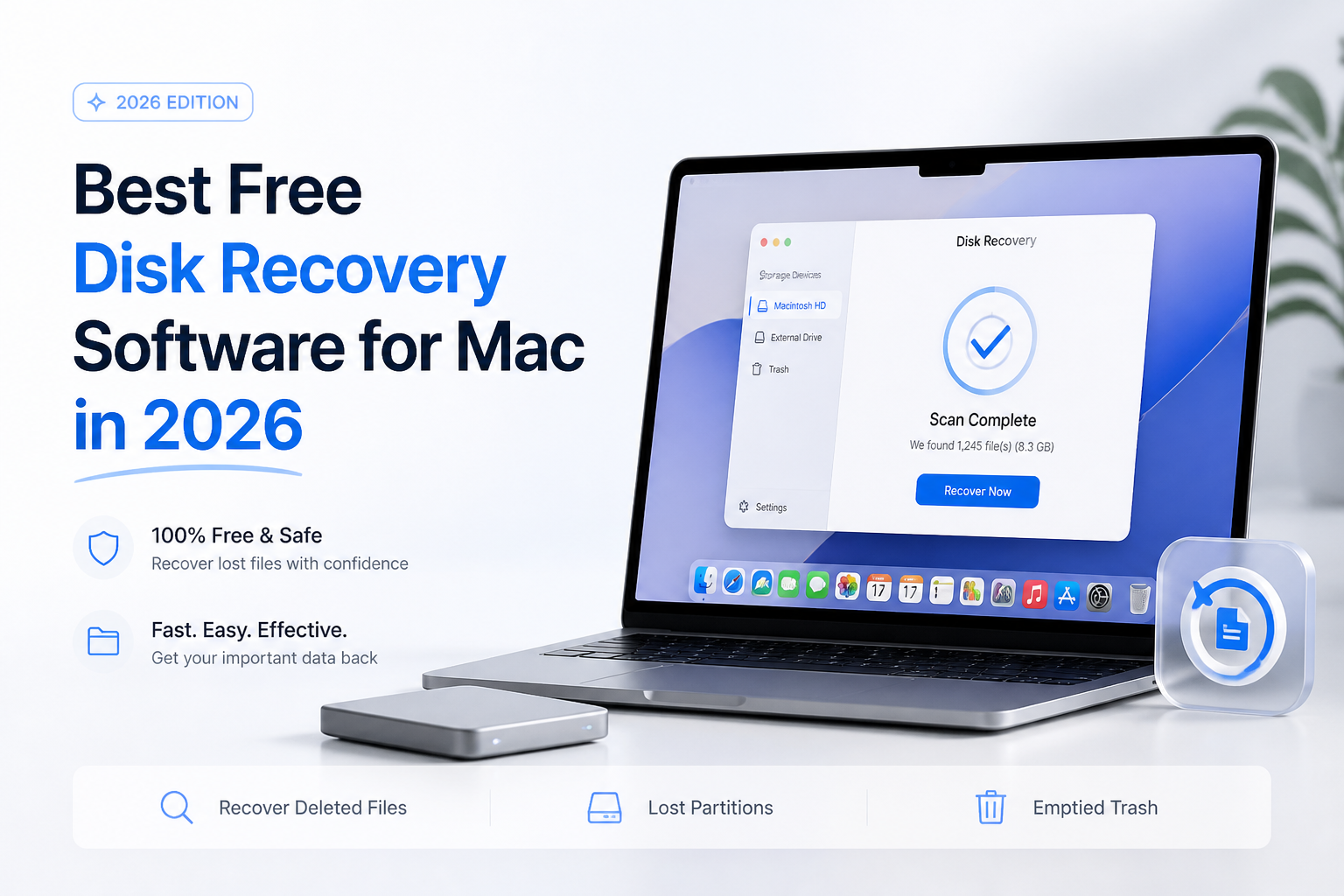
Disk Drill takes our overall starting-point pick for its free scan/preview workflow, but ordinary Mac file recovery requires payment. For genuinely free file recovery, choose PhotoRec or consider DMDE's folder-by-folder allowance. (cleverfiles.com)
Disk Drill
8.6/10Best for: Mac owners who want to inspect recoverable files before deciding whether to pay
- Free scanning before purchase
- Visual previews help assess individual files
- Supports Mac-formatted storage
- Previously protected files can qualify for free recovery
PhotoRec
8.4/10Best for: People recovering files from memory cards or external disks without a software budget
- Free, open-source recovery
- No paid recovery quota
- Does not require an intact file system
- Can work from supported disk images
DMDE
8.2/10Best for: Patient users retrieving a few important folders from Mac-formatted disks
- Free edition actually saves recovered files
- Recovery batches can be repeated
- Supports APFS plus HFS+
- Includes disk-image creation
Free Disk Recovery Software for Mac Compared
Compare what each free edition actually lets you save, not just what it finds. Prices below refer to the free editions. Scores are editorial workflow judgments, not recovery percentages, with limitations explained in each review.
| Tool | Free Recovery Scope | Price | Score |
|---|---|---|---|
| 1.Disk Drill PICK | Scan/preview. Protected-file exception. | Free | 8.6/10 |
| 2.PhotoRec | Unrestricted signature-based recovery | Free | 8.4/10 |
| 3.DMDE | 4,000 files per directory operation | Free | 8.2/10 |
| 4.TestDisk | Partitions plus supported file systems | Free | 7.3/10 |
4 Free Mac Disk Recovery Options Reviewed
01 Disk Drill
macOS / CleverFiles
8.6/10
Disk Drill
macOS / CleverFiles
Disk Drill earns our first slot as a starting point, not as an unlimited free recovery app. Its Mac edition lets you scan storage, browse results, preview recoverable files without purchasing a license. That makes it useful when your first question is whether the missing work is still readable. This is a documentation-based assessment, not a hands-on recovery test. (cleverfiles.com)
The catch is substantial: recovering ordinary, previously unprotected deleted files requires PRO. Free recovery applies to files covered by protection features enabled before the loss. The verified upgrade options are $89 per year or $149 for a lifetime license. If paying is out of the question, skip directly to PhotoRec or DMDE. (cleverfiles.com)
Best forMac owners who want to inspect recoverable files before deciding whether to pay
- Free scanning before purchase
- Visual previews help assess individual files
- Supports Mac-formatted storage
- Previously protected files can qualify for free recovery
- Ordinary deleted-file recovery is not free on Mac
- Protection features cannot retroactively protect missing files
- The annual PRO option renews
02 PhotoRec
macOS / CGSecurity
8.4/10
PhotoRec
macOS / CGSecurity
PhotoRec is the clearest answer here if free means actually saving recovered files for $0. It searches underlying data rather than relying on a healthy file system. Its developer documents support for photos, documents, archives, video, plus disk-image input. (cgsecurity.org)
The tradeoff is organization. Signature-based recovery is not the right route if your priority is preserving a familiar folder tree. We would choose it for retrieving content from a damaged card before choosing it for rebuilding an organized project directory. No recovery-rate benchmark was performed for this guide. (cgsecurity.org)
Best forPeople recovering files from memory cards or external disks without a software budget
- Free, open-source recovery
- No paid recovery quota
- Does not require an intact file system
- Can work from supported disk images
- Recovered output may need substantial sorting
- Fragmented files can be difficult to reconstruct
- Less approachable than a visual Mac app
03 DMDE
macOS / DMDE
8.2/10
DMDE
macOS / DMDE
DMDE offers a useful middle ground between a preview-only download versus unrestricted carving. The free edition can recover up to 4,000 files from the active file panel in one operation. You can repeat the process, but recursive recovery of nested directories requires a paid edition. (dmde.com)
That makes a single folder of missing documents a better fit than an entire disk containing hundreds of subfolders. DMDE lists APFS, HFS+, exFAT support, plus disk imaging. Our ranking reflects those documented capabilities, not measured recovery success. Its disk-editing functions deserve particular caution. (dmde.com)
Best forPatient users retrieving a few important folders from Mac-formatted disks
- Free edition actually saves recovered files
- Recovery batches can be repeated
- Supports APFS plus HFS+
- Includes disk-image creation
- Free recovery does not restore nested folders in one operation
- Technical controls require careful reading
- Disk-editing features are unnecessary risks for casual users
04 TestDisk
macOS / CGSecurity
7.3/10
TestDisk
macOS / CGSecurity
TestDisk targets a different problem: a missing partition rather than a few missing files. It is free, runs on macOS, supports partition discovery across multiple file systems. Its documented partition list includes APFS, but that should not be confused with APFS deleted-file recovery. (cgsecurity.org)
Its documented undelete support covers FAT, exFAT, NTFS, ext2. At $0, it is worth considering for suitable external-drive problems. We would not make it the default recommendation for someone emptying the Trash on a modern Mac. No partition-repair tests were conducted for this article. (cgsecurity.org)
Best forExperienced users investigating missing partitions on external storage
- Completely free software
- Runs on macOS
- Finds lost partitions
- Can copy files from certain deleted partitions
- APFS partition detection is not APFS file undelete
- Repair operations can change disk structures
- Poor fit for a simple preview-first workflow
How We Evaluated Free Mac Recovery Software
This is a documentation-based comparison. We checked developer pages for Mac support, free-edition restrictions, recovery methods, published pricing. We did not run recovery experiments, measure scan speeds, or test these apps on a specific Mac. No recovery percentages are implied.
Scores express our editorial preference for the stated use case. Disk Drill's first-place position prioritizes initial assessment. If actual no-cost recovery carries the most weight for you, use PhotoRec as your first choice instead. Each product review cites the developer documentation behind its capabilities.
How to Match a Free Mac Recovery Tool to Your Loss
Separate three jobs before downloading anything: inspecting recoverable files, exporting missing content, investigating a missing partition. Disk Drill addresses the first job for free. PhotoRec offers free content recovery. TestDisk focuses on partition problems, while DMDE adds limited free file recovery with file-system-aware tools. (cleverfiles.com)
For example, one directory of invoices makes DMDE's per-operation restriction easier to tolerate. A whole disk of deeply nested folders makes the same restriction much more noticeable. Think about the shape of the missing data, not just its total size. (dmde.com)
Free Mac Recovery Mistakes That Risk Your Files
Do not save recovered files onto the source storage. New writes can overwrite data you still want to recover. Use a separate destination disk, including when trying free software. (cgsecurity.org)
Also separate recovery from repair. DMDE includes disk-editing features, while TestDisk can modify partition structures. Those controls are not required merely because you want to retrieve a document. Avoid experimenting with write operations on the only copy of important data. (dmde.com)
Which Free Mac Recovery Tool Should You Choose?
Disk Drill earns our featured position for an approachable assessment workflow, with its payment boundary clearly stated. If zero-cost file export is your deciding factor, our pick switches to PhotoRec. Consider DMDE when folder-by-folder recovery is acceptable, or TestDisk when the missing partition itself needs investigation.
Decide whether you need free previews or free saved files before choosing your first tool.