Free SD Card Data Recovery Software for Mac in 2026
Free scanning is not the same as free recovery. This shortlist separates useful Mac assessment tools from software that lets you save SD card files without paying.
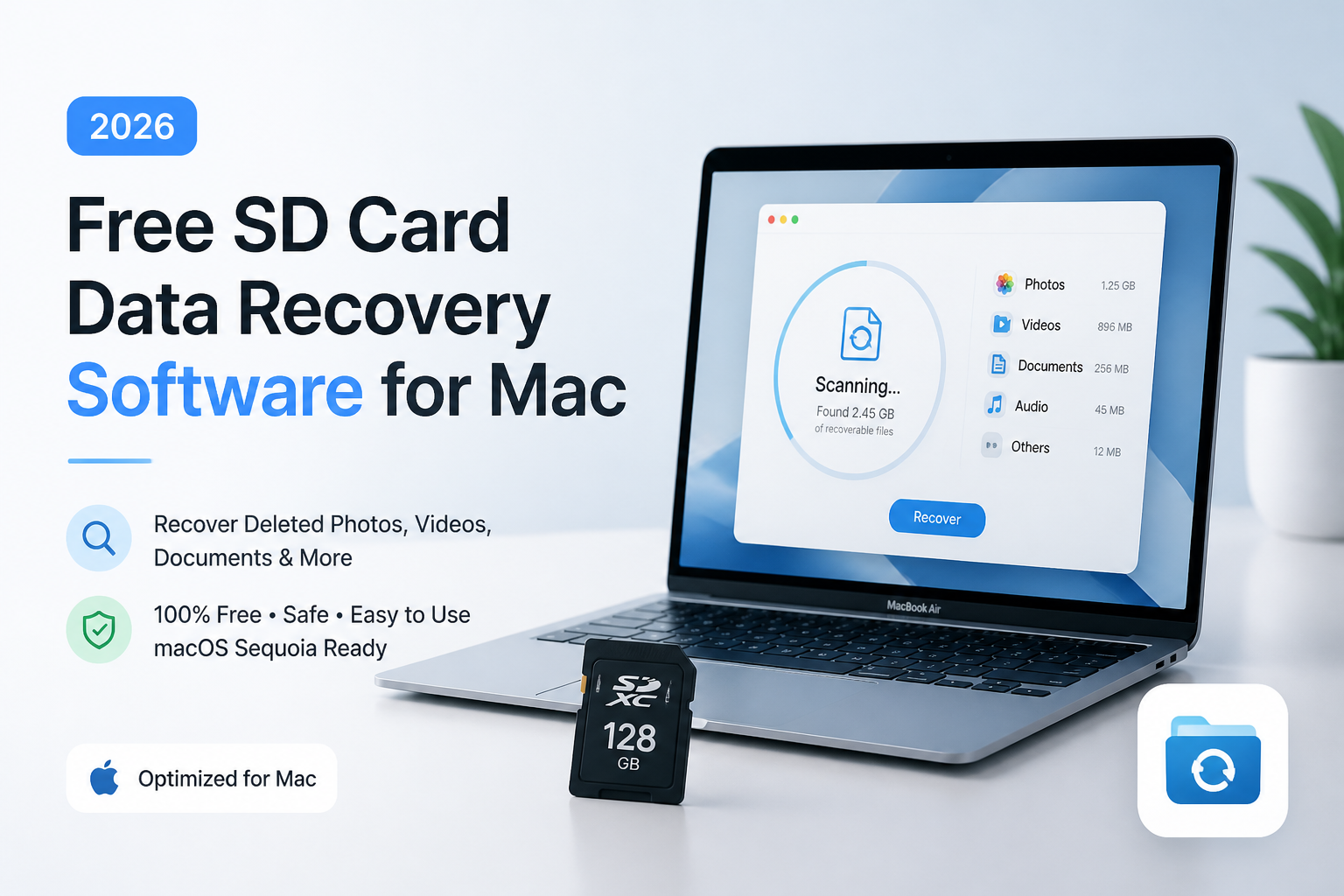
Disk Drill is our pick for a visual first assessment, but its free Mac edition is not a general free deleted-file recovery solution. For saving files without paying, start with PhotoRec or consider DMDE's directory-based allowance. (cleverfiles.com)
Disk Drill
8.8/10Best for: Mac owners who want to inspect missing photos before deciding whether paid recovery makes sense
- Free scanning before purchase
- Visual file previews
- Free byte-to-byte backups
- Mac-focused recovery workflow
PhotoRec
8.7/10Best for: Photographers willing to use Terminal to recover a card without a payment limit
- No paid recovery tier
- No recovery-volume paywall
- Works without intact filesystem metadata
- Reads supported disk images
DMDE
8.3/10Best for: Patient users recovering files from a few camera folders
- Useful free file allowance
- Repeatable free recovery operations
- Filesystem-aware recovery
- Disk imaging included
Free SD Card Recovery Tools for Mac Compared
The useful distinction is what each free edition lets you save, not whether its download costs money. Prices below refer to the listed free editions. Scores reflect editorial workflow preferences, not recovery percentages or hands-on benchmarks.
| Tool | Free SD Card Recovery | Price | Score |
|---|---|---|---|
| 1.Disk Drill PICK | Scan/preview for ordinary deleted files. (cleverfiles.com) | Free | 8.8/10 |
| 2.PhotoRec | No paid recovery limit. (cgsecurity.org) | Free | 8.7/10 |
| 3.DMDE | 4,000 files per directory operation. (dmde.com) | Free | 8.3/10 |
| 4.TestDisk | No paid recovery limit. (cgsecurity.org) | Free | 7.7/10 |
4 Free SD Card Recovery Tools for Mac Reviewed
01 Disk Drill
macOS / CleverFiles
8.8/10
Disk Drill
macOS / CleverFiles
Disk Drill gets our overall workflow pick, not our completely free recovery pick. Its Mac edition lets you scan an SD card, inspect recoverable files, or create a byte-to-byte backup without buying PRO. That makes it a useful starting point when you need to see what remains before spending money. These are documented features, not results from a hands-on recovery test. (cleverfiles.com)
The catch matters: ordinary recovery of previously unprotected deleted files requires PRO. The current purchase page lists $89 per year or a $149 lifetime license. If your budget is strictly zero, use Disk Drill for assessment, then consider PhotoRec or DMDE for saving files. (cleverfiles.com)
Best forMac owners who want to inspect missing photos before deciding whether paid recovery makes sense
- Free scanning before purchase
- Visual file previews
- Free byte-to-byte backups
- Mac-focused recovery workflow
- Free assessment is not free deleted-file recovery
- Annual PRO subscription renews automatically
- Our ranking does not establish superior recovery performance
02 PhotoRec
macOS / CGSecurity
8.7/10
PhotoRec
macOS / CGSecurity
PhotoRec is the clearest answer if free means saving recovered files for $0. It searches for recognizable file contents rather than depending on a healthy filesystem. That gives it a useful role after formatting or filesystem damage. It supports photos, videos, documents, plus other formats. (cgsecurity.org)
The tradeoff is the cleanup afterward. Its recovery process does not preserve the original folder layout or original filenames. On Mac, expect a text-based workflow rather than a familiar photo browser. I would choose it for a no-budget recovery attempt, but leave time to inspect the output instead of treating the recovered-file count as proof of success. (cgsecurity.org)
Best forPhotographers willing to use Terminal to recover a card without a payment limit
- No paid recovery tier
- No recovery-volume paywall
- Works without intact filesystem metadata
- Reads supported disk images
- Original filenames are not preserved
- Text-based Mac workflow takes patience
- Fragmentation can prevent complete recovery
03 DMDE
macOS / DMDE
8.3/10
DMDE
macOS / DMDE
DMDE's free restriction is about file selection, not a tiny megabyte allowance. The publisher permits recovery of up to 4,000 files from one chosen directory per operation, with unlimited repetitions. That is a useful fit for a card where the missing material sits in a small number of camera folders. (dmde.com)
It also supports filesystem-based recovery, common-image previews, plus disk imaging. The cost is a more technical decision process. I would put it ahead of PhotoRec when recognizable directories remain, but behind it for someone who simply wants an unrestricted sweep without managing directory-by-directory exports. This is an editorial fit assessment, not a measured recovery advantage. (dmde.com)
Best forPatient users recovering files from a few camera folders
- Useful free file allowance
- Repeatable free recovery operations
- Filesystem-aware recovery
- Disk imaging included
- Free bulk recovery across folders is restricted
- Technical options require careful reading
04 TestDisk
macOS / CGSecurity
7.7/10
TestDisk
macOS / CGSecurity
TestDisk shares a download package with PhotoRec, but it does a different job. It can undelete files from supported filesystems, including FAT or exFAT, or copy files from lost partitions. Its price is $0, with no paid recovery edition. (cgsecurity.org)
For this shortlist, focus on copying files out, not repairing the card in place. CGSecurity's FAT recovery guide describes selecting deleted entries, then copying them to another destination. Partition repair is a separate capability with different risks. If the directory-based approach cannot find the files, PhotoRec offers a different recovery method within the same package. (cgsecurity.org)
Best forTerminal-comfortable users trying to copy deleted files from FAT or exFAT cards
- Completely free
- FAT undelete support
- exFAT undelete support
- Can copy files from deleted partitions
- Text menus are less approachable
- Repair options can modify storage
- Not a visual photo-preview workflow
How We Evaluated Free Mac SD Card Recovery Software
This is a documentation-based comparison. We did not run controlled SD card recoveries, measure scan speed, or verify recovered-file integrity on a test Mac. No recovery percentages are claimed. We checked official product pages for Mac support, free-edition restrictions, recovery methods, plus available pricing.
The scores are editorial judgments about workflow suitability. Disk Drill leads for visual assessment, while PhotoRec is the stronger recommendation under a strict no-payment requirement. Neither judgment proves that one will recover more of your files.
How to Choose a Free SD Card Recovery Tool for Mac
Decide first whether you need a free diagnosis or free saved files. Disk Drill covers the first case. PhotoRec covers the second without a paid unlock. DMDE offers a middle route with a per-directory file allowance rather than unrestricted bulk export. (cleverfiles.com)
Also consider how much sorting you can tolerate. PhotoRec's output loses original names, while filesystem-based recovery can be a better starting point when directory information survives. For example, try the directory-aware route first if preserving an existing camera-folder organization matters to you. (cgsecurity.org)
Common Mac SD Card Recovery Mistakes to Avoid
Do not install recovery software onto the affected card or choose that card as the output destination. Use another disk. With TestDisk, keep file copying separate from partition repair rather than experimenting with write operations on your only copy. (dmde.com)
Another trap is borrowing a free allowance from a different product edition. EaseUS's Mac comparison currently excludes SD cards from its advertised free recovery allowance, despite broader SD support elsewhere on the page. That exclusion is why it is not one of our four picks. (easeus.com)
Which Mac SD Card Recovery Tool Fits Your Budget?
Disk Drill earns our overall workflow pick for assessment, not for free file exports. Choose PhotoRec if avoiding payment matters most, DMDE if directory-based recovery suits the job, or TestDisk for a targeted undelete attempt. Those distinctions matter more here than a small difference in editorial scores. (cleverfiles.com)
Set a recovery budget before scanning, then judge success by opening the saved files rather than counting scan results.