Disk Drill Review: Is It Still the Best Data Recovery Software?
Disk Drill remains one of the easiest recovery apps to use, with unusually good tools for damaged camera cards. Its small Windows free allowance, paid Mac recovery, plus mixed refund experiences keep it from being an automatic pick.
Disk Drill is still one of the best consumer-friendly recovery tools, particularly for SD cards, fragmented camera video, accidentally formatted drives, plus users who find technical apps overwhelming. Run the free scan first, preview several important files, then pay only if those previews open correctly.
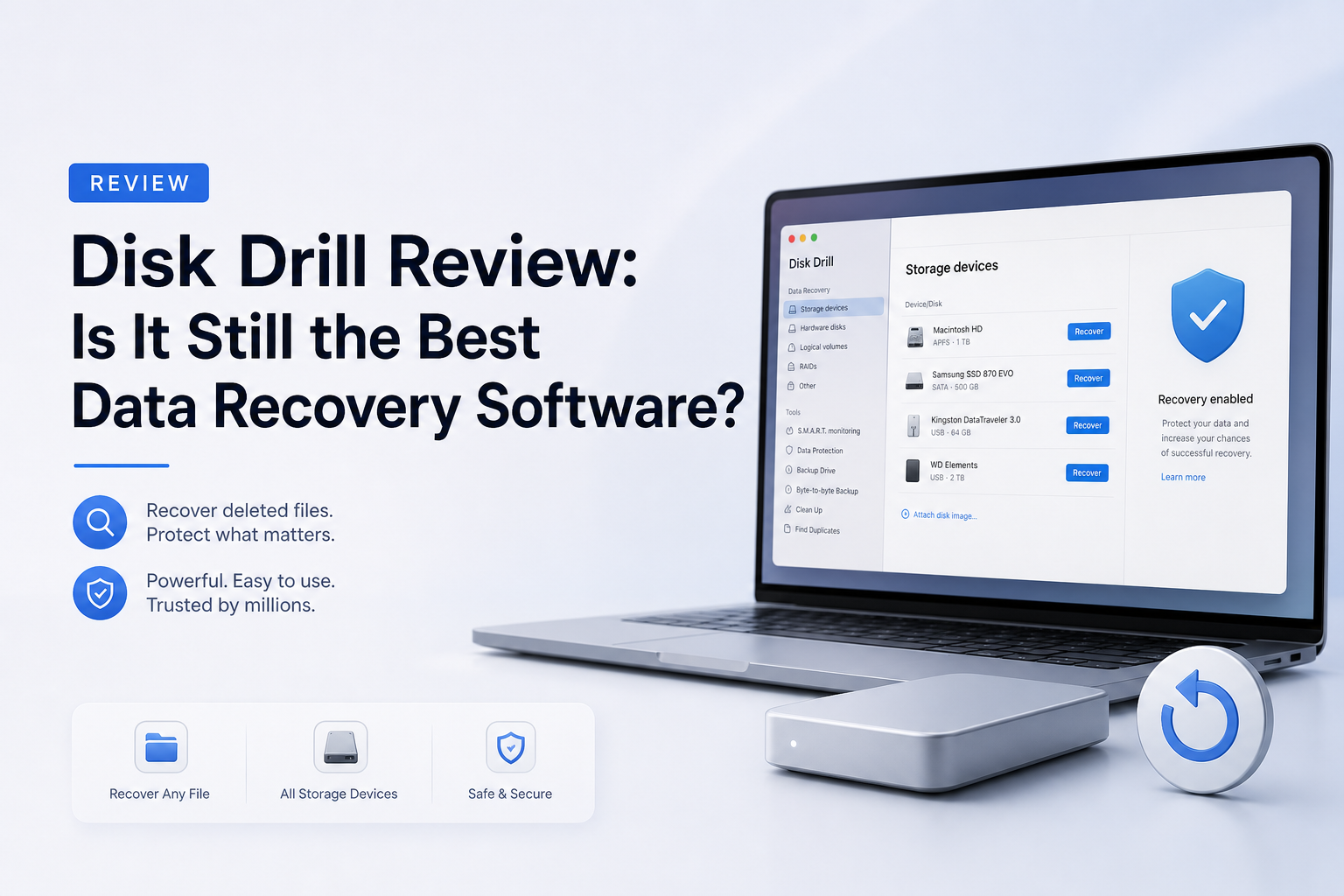
Disk Drill at a Glance
8.8/10Disk Drill is a Windows plus macOS application for recovering deleted, formatted, inaccessible, or lost files. It scans physical storage, disk images, memory cards, mobile backups, plus supported RAID setups.
Best forHome users, photographers, videographers, plus small teams handling logical data loss on readable storage
- Deleted-file plus formatted-drive recovery
- Advanced Camera Recovery for fragmented video
- Byte-to-byte storage imaging
- File previews plus result filters
- Recovery Vault or Guaranteed Recovery protection
- Excellent camera-media tools
- Friendly scan workflow
- Cross-platform lifetime license
- Tiny Windows free limit
- Mac recovery usually requires PRO
- Some users report strict refund handling
Disk Drill Recovery Features in Detail
01 Recovery Results
Strong on common logical data-loss cases
9.2/10
Recovery Results
Strong on common logical data-loss cases
Disk Drill performs best in the situations home users actually encounter: deleted files, quick-formatted USB drives, inaccessible memory cards, lost partitions, plus damaged file systems. Recent independent tests recovered usable files from formatted removable media, while current users report successful restores from healthy drives with logical damage.
The catch is easy to miss. A file appearing in the results does not guarantee that its contents survived. A working preview is the most useful pre-purchase check. Test photos at full size, play videos beyond the opening seconds, plus open a few documents before upgrading.
- Recovers files from deleted or formatted volumes
- Preserves filenames plus folders when metadata survives
- Useful previews for checking file integrity
- Supports common Windows, Mac, plus removable-media file systems
- Results depend heavily on overwriting plus device condition
- Signature scans can produce generic filenames or duplicate results

02 Camera Media Recovery
A real advantage for fragmented video
9.4/10
Camera Media Recovery
A real advantage for fragmented video
Advanced Camera Recovery is the feature that separates Disk Drill 6 from a typical deleted-file utility. Cameras from brands such as GoPro, DJI, Canon, Sony, plus Insta360 may write large videos in fragments. A basic signature scan can find those pieces yet return clips that freeze, end early, or refuse to play.
Disk Drill attempts to identify the recording device, locate related fragments, then rebuild them as one video. Published tests have restored playable deleted drone footage, while users report good results from RAW or reformatted SD cards. Create a byte-to-byte image first if the card is unstable, unusually slow, or disconnecting.
- Dedicated fragmented-video recovery mode
- Useful for action cameras, drones, plus mirrorless cameras
- Can identify footage associated with multiple camera families
- Works with disk images, reducing repeated access to a weak card
- No software can rebuild fragments that were overwritten
- Camera detection plus reconstruction may take longer than a normal scan
03 Ease of Use
Clear enough during a stressful recovery
9.1/10
Ease of Use
Clear enough during a stressful recovery
The main recovery path is straightforward: choose a device, start the search, filter the results, preview files, then recover them somewhere else. File-type filters plus search controls help when a deep scan returns thousands of items.
Disk Drill also groups results by their source, including deleted files, reconstructed files, plus existing data. That distinction matters. Reconstructed items may lose their original names or folders, so checking the other groups first can save hours of sorting.
- Clean device list with obvious scan controls
- Filters by file type, date, size, plus recovery status
- Preview panel reduces blind paid recoveries
- Scan sessions can be reviewed without starting from scratch
- Large result sets still require patient sorting
- Extra utility modules make the sidebar feel busy
04 Scan Tools
More than a basic undelete button
8.8/10
Scan Tools
More than a basic undelete button
Disk Drill combines file-system analysis, lost-partition searches, signature scanning, plus camera-specific reconstruction. Its byte-to-byte backup tool is equally valuable. Imaging a questionable device lets you work from a copy rather than repeatedly stressing the original storage.
Version 6.3 also supports lost BitLocker partition detection, encrypted-file grouping, disk health checks, plus built-in data-protection tools. Recovery Vault on Windows stores deletion metadata. Guaranteed Recovery on Mac can protect selected locations before anything goes missing.
- Byte-to-byte images can be scanned like physical drives
- Multiple scan methods run through one workflow
- Lost-partition plus BitLocker-related tools broaden coverage
- Preventive protection tools are included
- Health monitoring cannot repair physical damage
- Cleanup features are unrelated to urgent recovery
05 Cost & Licensing
Fair lifetime option, weak free recovery
7.3/10
Cost & Licensing
Fair lifetime option, weak free recovery
Disk Drill Basic costs $0. Windows users can recover up to 100 MB, which is enough for a handful of documents or photos. The Mac edition generally treats Basic as a scan-plus-preview tool, apart from limited cases involving protected files or existing-data allocation.
PRO costs $89 per year or $149 for a lifetime license. One personal license covers Windows plus macOS for one user, with up to three activations. The lifetime plan includes future upgrades, making it the sensible choice if you regularly handle camera cards or several household computers.
- Lifetime license includes future upgrades
- One license covers Windows plus macOS
- Up to three personal-device activations
- Unlimited recovery with PRO
- Mac has no general free recovery allowance
- Windows' 100 MB limit disappears quickly
- Annual subscription renews unless canceled
How This Disk Drill Review Was Evaluated
We checked the current Disk Drill 6.3 feature set, July 2026 licensing, platform limits, official documentation, published recovery tests, plus recent user reports. The review focused on five practical areas: usable file recovery, camera-media reconstruction, result navigation, storage-imaging tools, plus the amount of recovery available before payment.
We gave more weight to files that opened correctly than raw file counts. A scan that lists 10,000 damaged fragments is less useful than one that restores a smaller set with valid filenames, folders, plus working contents.
When Disk Drill Is the Wrong Recovery Choice
Do not run Disk Drill directly on a drive that clicks, grinds, disconnects, reports rapidly growing bad-sector counts, or no longer appears with the correct capacity. Repeated scans may worsen a physical failure. Disconnect the device, then contact a reputable recovery lab.
Recovery software also cannot reverse SSD TRIM once the controller has cleared the relevant blocks. It cannot restore overwritten sectors, fix severe hardware damage, or guarantee that every item shown in a scan remains usable.
Disk Drill Review Scores by Recovery Category
| Category | Performance | Score |
|---|---|---|
| 01 Recovery Results | 9.2/10 | |
| 02 Camera Media Recovery | 9.4/10 | |
| 03 Ease of Use | 9.1/10 | |
| 04 Scan Tools | 8.8/10 | |
| 05 Cost & Licensing | 7.3/10 |
What Disk Drill Users Report
A user with an inaccessible RAW SD card said Disk Drill restored family photos quickly after Recuva failed to detect the card. The camera-specific mode was especially useful for fragmented video.
A computer technician described Disk Drill as useful for logically damaged yet mechanically healthy drives. They said recovery was imperfect, though deleted photos, videos, plus documents generally came back well.
One reviewer said support helped recover all 150 wedding plus honeymoon video clips from a reformatted SD card after the first attempt restored only a few.
A critical customer paid after seeing files marked recoverable, then found that the restored documents were corrupted. This is why a real preview matters more than the recoverability label alone.
Is Disk Drill Still Worth Using?
Disk Drill is still among the strongest DIY data recovery choices for readable drives, formatted memory cards, plus fragmented camera footage. It suits people who want clear controls without learning a forensic-style interface.
Skip it if the drive clicks, disappears repeatedly, spins down, or contains irreplaceable business data. Those cases need a professional lab, not another scan. Price-sensitive technical users may also prefer DMDE or PhotoRec, though both demand more patience.
Stop writing to the affected device, create a byte-to-byte image, then preview several complete files before buying PRO.