Best Photo Recovery Software for Mac: Tested and Compared in 2026
Disk Drill is our first pick for a preview-led recovery attempt. This comparison checks published capabilities, pricing, plus practical limitations, not claimed lab results.
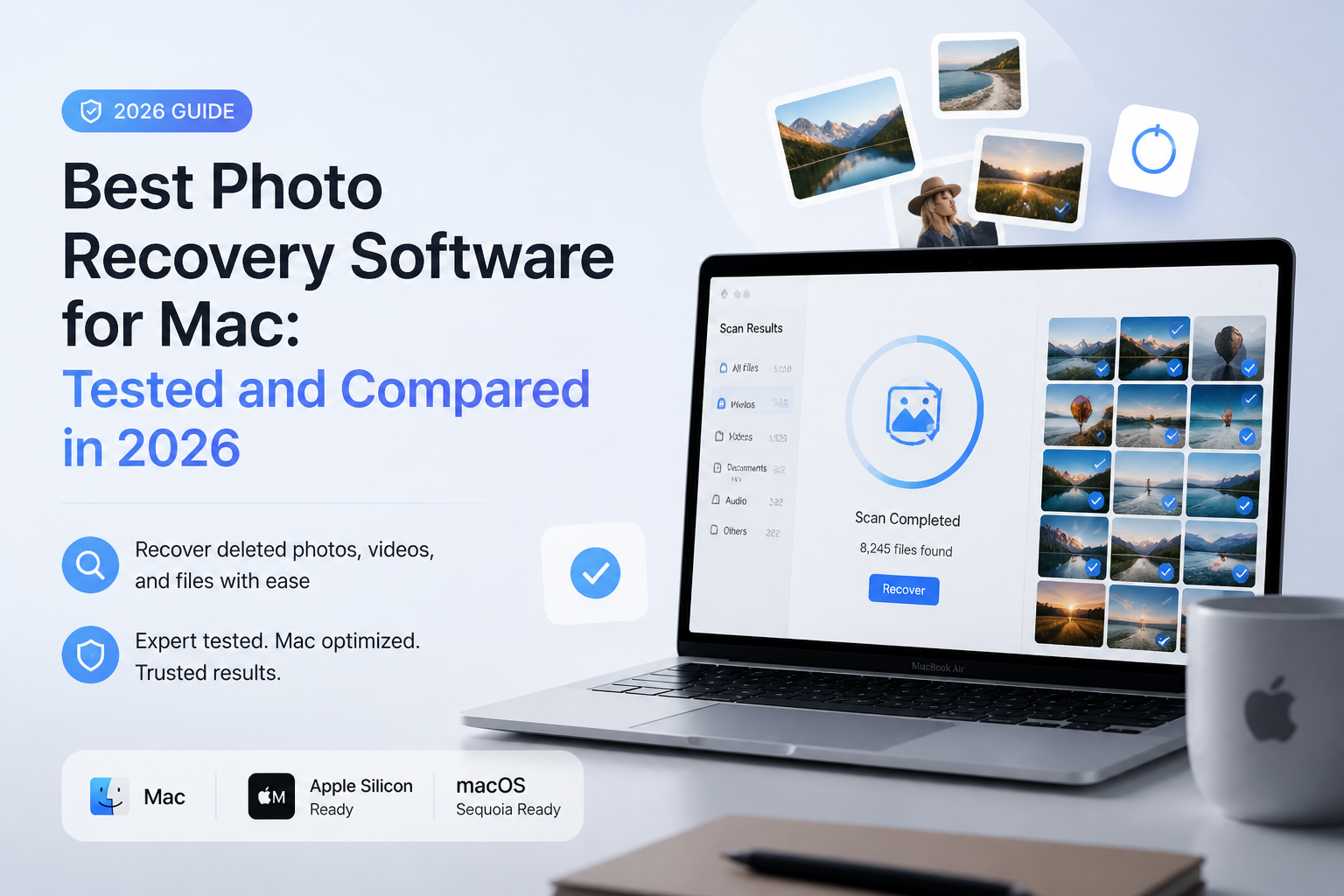
Disk Drill is our overall editorial pick for Mac photo recovery, especially if you want previews before purchasing. Its documented scanning, filtering, plus imaging tools make a useful starting point. This is a researched comparison, not a hands-on recovery benchmark. (cleverfiles.com)
Disk Drill
9.0/10Best for: Mac photographers who want to inspect missing pictures before paying
- Preview-led workflow suits a first recovery attempt. (cleverfiles.com)
- Includes disk imaging. (cleverfiles.com)
- Supports memory cards plus external drives. (cleverfiles.com)
- Lifetime license includes future updates. (cleverfiles.com)
R-Studio
8.7/10Best for: Experienced users recovering a photo archive from damaged volumes or RAID
- APFS support includes encrypted volumes. (r-studio.com)
- Creates images for recovery work. (r-studio.com)
- Supports custom file signatures. (r-studio.com)
- Offers configurable RAID recovery. (r-studio.com)
PhotoRec
8.2/10Best for: Budget-conscious users willing to sort recovered pictures manually
- No paid recovery tier. (cgsecurity.org)
- Open-source software. (cgsecurity.org)
- Reads the source without writing to it. (cgsecurity.org)
- Can scan raw disk images. (cgsecurity.org)
Photo Recovery Software for Mac Compared
The useful differences here are the recovery workflow, what you can export without paying, plus the license cost. Scores are editorial judgments about suitability for Mac photo recovery, not recovery percentages or benchmark results.
| Tool | Free Recovery | Price | Score |
|---|---|---|---|
| 1.Disk Drill PICK | Ordinary recovery: preview only. (cleverfiles.com) | $89/yr. (cleverfiles.com) | 9.0/10 |
| 2.R-Studio | Demo restrictions apply. (r-studio.com) | $79.99 one-time. (r-studio.com) | 8.7/10 |
| 3.PhotoRec | Unrestricted free edition. (cgsecurity.org) | Free. (cgsecurity.org) | 8.2/10 |
| 4.DMDE | 4,000 files per directory/request. (dmde.com) | $20/yr license. (dmde.com) | 8.0/10 |
Top 4 Photo Recovery Tools for Mac Reviewed
01 Disk Drill
macOS · CleverFiles
9.0/10
Disk Drill
macOS · CleverFiles
Disk Drill is our first choice for a photographer who wants a manageable starting point rather than low-level disk controls. Its documented workflow includes scanning, previews, file filtering, plus byte-to-byte backups. Those features matter when your immediate question is whether the missing shoot is actually visible, not how many file signatures an app advertises. This is an editorial recommendation, not a measured recovery-rate win. (cleverfiles.com)
For ordinary deleted-photo recovery on Mac, treat Basic as a scan/preview edition, not free recovery. Published PRO pricing is $89 per year or $149 lifetime. Preview representative photos before purchasing, especially the files you cannot replace. (cleverfiles.com)
Best forMac photographers who want to inspect missing pictures before paying
- Preview-led workflow suits a first recovery attempt. (cleverfiles.com)
- Includes disk imaging. (cleverfiles.com)
- Supports memory cards plus external drives. (cleverfiles.com)
- Lifetime license includes future updates. (cleverfiles.com)
- Ordinary Mac recovery requires payment. (cleverfiles.com)
- Annual subscription renews unless canceled. (cleverfiles.com)

02 R-Studio
macOS · R-Tools Technology
8.7/10
R-Studio
macOS · R-Tools Technology
R-Studio earns second place because a photo archive is sometimes more complicated than a deleted SD-card folder. Its Mac edition supports APFS, HFS+, exFAT, plus numerous other filesystems. RAID reconstruction, disk images, customizable file signatures, plus a hex editor give an experienced user more control over a difficult job. (r-studio.com)
The Mac license costs $79.99. Our tradeoff is usability: these controls are useful when you understand the storage problem, but they are more than we would recommend for someone trying recovery software for the first time. No hands-on result establishes that R-Studio recovers more photographs than Disk Drill here. (r-studio.com)
Best forExperienced users recovering a photo archive from damaged volumes or RAID
- APFS support includes encrypted volumes. (r-studio.com)
- Creates images for recovery work. (r-studio.com)
- Supports custom file signatures. (r-studio.com)
- Offers configurable RAID recovery. (r-studio.com)
- Our usability pick remains Disk Drill
- Mac license is a separate product purchase. (r-studio.com)
03 PhotoRec
macOS · CGSecurity
8.2/10
PhotoRec
macOS · CGSecurity
PhotoRec is the option to consider when the recovery budget is $0. It searches underlying data for recognizable file signatures rather than depending on a healthy directory structure. That makes it relevant to a reformatted camera card, provided the photo data remains readable. (cgsecurity.org)
The compromise is organization. Expect generic filenames rather than a neatly restored shoot folder. We rank it below the paid tools for this photo-focused shortlist because sorting the output can become a separate project. Free recovery is valuable, but your sorting time still counts. (reddit.com)
Best forBudget-conscious users willing to sort recovered pictures manually
- No paid recovery tier. (cgsecurity.org)
- Open-source software. (cgsecurity.org)
- Reads the source without writing to it. (cgsecurity.org)
- Can scan raw disk images. (cgsecurity.org)
- Original filenames may be lost. (reddit.com)
- Fragmented files complicate signature recovery. (cgsecurity.org)
04 DMDE
macOS · DMDE Software
8.0/10
DMDE
macOS · DMDE Software
DMDE deserves attention before you assume free software means previews only. Its free edition can recover 4,000 files from a selected directory per request, with unlimited requests. That is a useful allowance for a small photo job, though it is not unrestricted bulk folder recovery. (dmde.com)
Express costs $20 for a one-year license. Standard costs $48 for a perpetual license. We would choose DMDE for price-conscious technical work, not as the default for an anxious first-time user. The vendor explicitly recommends recovering sample files before purchase, a sensible buying rule for this entire category. (dmde.com)
Best forTechnical users recovering a few photo folders without a large purchase
How We Evaluated Mac Photo Recovery Software
No hands-on recovery tests were performed for this article. We checked official product documentation, published US pricing, license restrictions, plus free-edition limits. There was no test Mac, controlled deletion dataset, or measured recovery-rate comparison, so calling these products personally tested would be misleading.
The scores express editorial suitability out of 10. We prioritized inspecting photos before purchase, a manageable recovery workflow, safe image-based work, plus realistic cost. They are not statistically derived scores. Product checks were made for this October 2026 comparison.
How to Choose Mac Photo Recovery Software
Start by identifying where the originals lived. For pictures deleted inside Apple Photos, check Recently Deleted before installing anything. Apple keeps those items there for up to 30 days, unless you permanently delete them sooner. A Time Machine backup may provide another route. (support.apple.com)
For a camera card, our suggested shortlist starts with Disk Drill for inspection or PhotoRec for a zero-cost attempt. For a complicated archive, consider R-Studio. If the originals were on a TRIM-enabled SSD, set expectations much lower: software cannot promise to retrieve discarded data. (cleverfiles.com)
Mac Photo Recovery Mistakes to Avoid
Do not take a few more pictures on the affected card while deciding which app to use. Do not export recovered files back onto it either. Both actions can overwrite data you still want. (cgsecurity.org)
Do not buy a license simply because a scan shows familiar filenames. Recover sample files where the free edition permits it, then check whether they open correctly. DMDE explicitly warns that payment will not fix files its free edition recovers as corrupted. (dmde.com)
Our Mac Photo Recovery Verdict
Disk Drill earns our first recommendation because we prioritize a preview-led starting point over specialist controls. Choose R-Studio if your storage problem is complex, PhotoRec if avoiding payment matters most, or DMDE if you are comfortable with a more technical approach. These are suitability judgments, not proof that one scanner will recover more of your photographs.
Inspect several irreplaceable photos before buying, including a RAW image if your shoot contains them.