R-Studio Review for Mac Data Recovery: Is There a Better Option in 2026?
R-Studio can dig through damaged disks, yet its dense interface makes a stressful recovery job harder than it needs to be. Most Mac owners will get a clearer path from Disk Drill.
R-Studio for Mac has serious recovery tools, especially for RAID work or manual file-system analysis. Still, its crowded workflow, technical language, limited demo recovery, plus single-computer focus make Disk Drill the better option for most Mac users.
The biggest risk is choosing the wrong disk, scan region, or recovery setting inside an interface that assumes you already understand storage structures.
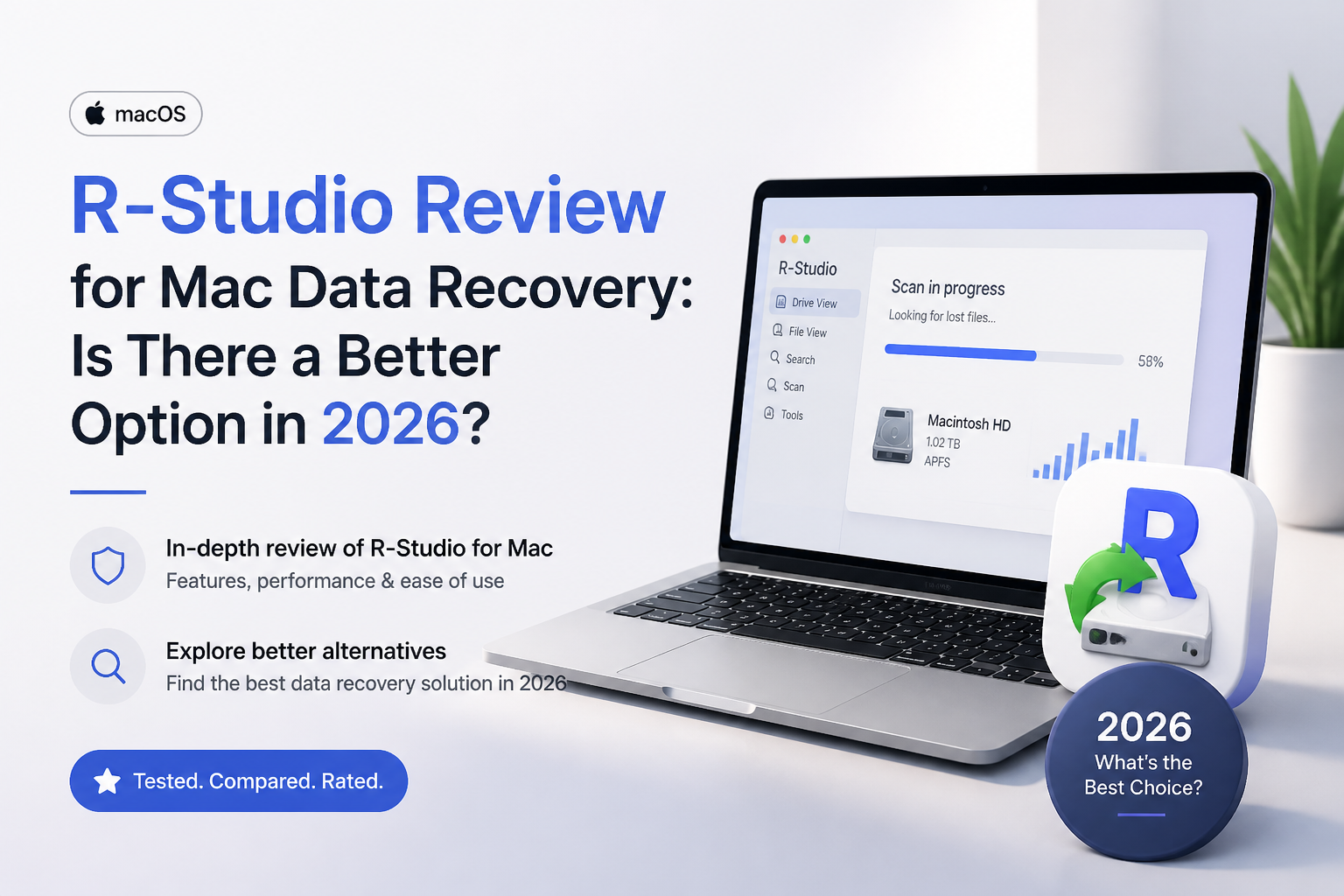
R-Studio for Mac at a Glance
6.4/10R-Studio is a desktop data recovery utility for Mac, Windows, plus Linux file systems. It scans deleted, formatted, damaged, encrypted, or missing volumes while offering technician-level control over the process.
Best forStorage technicians or experienced users dealing with unusual RAID layouts
- APFS plus HFS recovery
- Manual RAID reconstruction
- Disk imaging plus image scans
- Raw file-signature search
- Network recovery support
- Deep file-system coverage
- Strong RAID features
- One-time standard license
- Hard for first-time users
- Dated, crowded Mac workflow
- Tiny demo recovery limit
R-Studio for Mac Recovery Capabilities in Detail
01 Recovery Depth
Strong controls for complicated storage failures
8.3/10
Recovery Depth
Strong controls for complicated storage failures
R-Studio’s best quality is its ability to inspect storage beyond a basic deleted-file search. It supports APFS, encrypted APFS, HFS+, exFAT, NTFS, Ext, XFS, UFS, RAID layouts, disk images, plus raw signatures. That range makes it useful when a partition has vanished or a drive was reformatted.
The catch is that R-Studio exposes much of this complexity to the user. Scan views may show several recognized partitions, raw file groups, file-system traces, plus low-level regions at once. That is useful to a technician. A person trying to recover one Photos library may find it hard to tell which result is the right one.
- Broad Mac plus cross-platform file-system support
- Handles deleted or damaged partitions
- Useful manual RAID reconstruction controls
- Can scan byte-level disk images
- Results require more interpretation than most home users expect
- Advanced options make incorrect choices easier
02 Mac Usability
A technical utility wearing a Mac app shell
4.6/10
Mac Usability
A technical utility wearing a Mac app shell
R-Studio does not guide the user through recovery as cleanly as Disk Drill. The drive tree, object list, hexadecimal tools, recognized partitions, scan ranges, file masks, plus recovery dialogs compete for attention. Even simple jobs can feel like operating a disk lab.
The app runs on current Apple silicon Macs, though parts of the preview workflow may still request Rosetta. That split makes the experience feel less native than expected from a Mac utility released in 2026.
- Detailed drive information stays visible
- Menus give experienced users granular control
- Current release supports Apple silicon Macs
- Steep learning curve during an already stressful task
- Dense screens hide the safest next step
- Previewer may require Rosetta on Apple silicon
03 Preview Workflow
Useful evidence mixed with too much scan clutter
6.1/10
Preview Workflow
Useful evidence mixed with too much scan clutter
The built-in previewer helps verify photos, video, documents, plus other recognizable files before purchase. Recovery-chance estimates also provide a rough signal. These are valuable checks since a filename alone does not prove that a file is intact.
Browsing is the weak spot. Multiple recognized volumes plus raw results can create duplicates or files separated from their original folders. Disk Drill presents filters, recoverability details, search, plus previews in a more approachable flow. R-Studio offers plenty of evidence, but makes the user organize more of it.
- Previews many common file types
- Can estimate a file’s recovery chances
- Supports sorting plus file masks
- Scan results may be saved for later
- Recognized partitions can confuse inexperienced users
- Raw results may lose names or folder paths
- Finding one file can take needless clicking
04 Disk Safety Tools
Imaging options built for cautious recovery
7.7/10
Disk Safety Tools
Imaging options built for cautious recovery
R-Studio can create an image of a source disk, then scan that copy instead of repeatedly reading the original device. This is the right general approach for a drive showing bad sectors, disconnects, unusual noises, or rapidly falling health.
It also exposes read-attempt controls, S.M.A.R.T. details, region imaging, plus hexadecimal inspection. Those tools are useful, though they do not make software recovery safe for a mechanically failing drive. If a disk clicks, disappears, or spins down, stop powering it on.
- Creates disk images before recovery
- Supports scans of saved image files
- Includes S.M.A.R.T. information
- Offers low-level inspection tools
- Technical imaging options may overwhelm casual users
- Software cannot stabilize physically failing hardware
05 Cost Plus Licensing
Lower sticker price with stricter practical limits
5.5/10
Cost Plus Licensing
Lower sticker price with stricter practical limits
R-Studio for Mac costs $79.99 for the standard standalone license. The demo can scan, preview, plus save files no larger than 1,024 KB. That small-file allowance is enough to test a text document, but not a typical RAW photo or video clip.
Disk Drill PRO costs $89 for one user on up to three devices, with Mac plus Windows access. Its free Mac edition is mainly for scanning or previewing, yet its broader device allowance makes the extra $9.01 easier to justify for a household with more than one computer.
- Standard license is a one-time $79.99 purchase
- Demo permits full scans plus previews
- Activation can happen without rescanning
- Demo recovery is capped at files of 1,024 KB
- Standard license centers on one local computer
- Commercial recovery requires a much costlier license
How We Evaluated R-Studio for Mac Data Recovery
We reviewed R-Studio for Mac 7.5 on its 2026 feature set, checking the recovery path for deleted files, a reformatted external volume, raw signature results, disk imaging, previews, scan-result filtering, plus license restrictions. Scores favored recoverability, safe handling, understandable choices, plus the ability to verify files before payment.
We also compared each stage with Disk Drill 6.3 on the same broad Mac use cases. No recovery percentage is presented because results vary sharply with overwriting, SSD TRIM, encryption state, hardware condition, plus the original file system.
When Mac Users Should Avoid R-Studio
Skip R-Studio if terms such as partition offset, file-system geometry, RAID parity delay, or raw file mask are unfamiliar. The app provides control rather than guardrails, so it is easy to spend hours scanning the wrong object or sorting duplicate recognized volumes.
Also avoid do-it-yourself scans when a hard drive clicks, vanishes during reads, reports rapidly growing bad sectors, or contains irreplaceable business data. Power it down. A professional lab can image unstable hardware with equipment that ordinary Mac software cannot replace.
R-Studio for Mac: How It Scored Across Recovery Criteria
| Category | Performance | Score |
|---|---|---|
| 01 Recovery Depth | 8.3/10 | |
| 02 Mac Usability | 4.6/10 | |
| 03 Preview Workflow | 6.1/10 | |
| 04 Disk Safety Tools | 7.7/10 | |
| 05 Cost Plus Licensing | 5.5/10 |
R-Studio vs Disk Drill for Mac Recovery
We compared both Mac apps around the jobs home users face most often: deleted files, erased external drives, damaged SD cards, previews, disk images, plus uncertain APFS volumes.
| Metric | R-Studio for Mac | Disk Drill |
|---|---|---|
| Beginner Recovery Flow | Dense drive tree plus manual choices | Guided scan, filter, preview, recover flow |
| Advanced Camera Recovery | Raw signature scanning | Dedicated fragmented camera-video recovery |
| RAID Configuration Control | Extensive manual RAID layout tools | Useful RAID support with fewer manual controls |
| Apple Silicon Experience | Native core app; previewer may need Rosetta | Native workflow without that preview caveat |
| Device Allowance | Standard license for one local computer | One user on up to three devices |
| Personal License Price | $79.99 one-time | $89 with future upgrades included |
| Extra Mac Utilities | Recovery, imaging, S.M.A.R.T., hex tools | Recovery, byte backup, cleanup, duplicates, protection |
| Overall Score | 6.4 / 10 | 8.8 / 10 |
Use Disk Drill Instead of R-Studio
R-Studio still makes sense for technicians rebuilding unusual RAID layouts. For deleted photos, formatted portable drives, damaged memory cards, or a lost Mac volume, Disk Drill asks less of the person sitting in front of it.
01 Disk Drill for Mac
A clearer recovery route for everyday Mac owners
8.8/10
Disk Drill for Mac
A clearer recovery route for everyday Mac owners
Disk Drill is the better fit for most Mac recovery jobs because it keeps the process focused. You choose a drive, start the search, filter the results, preview files, then recover them to a different disk. Technical details remain available without taking over the screen.
Version 6.3 supports macOS 10.15 through macOS 26, with features for APFS recovery, byte-to-byte backups, fragmented camera footage, recovery-chance estimates, plus broad file-signature scanning. It costs $89 for one user on up to three devices. Scan plus preview are available before paying.
- Much easier for first-time recovery
- Dedicated Advanced Camera Recovery mode
- License covers up to three devices
- Byte-to-byte backup sits inside the same app
- Clear previews plus practical result filters
- Mac edition does not offer broad free file recovery
- No recovery tool can reverse SSD data removed by TRIM
- Lifetime or subscription terms should be checked before checkout

What Recovery Users Report About R-Studio Plus Disk Drill
A user who reformatted a 14 TB disk said R-Studio restored the original names plus folder structure after Disk Drill produced a more jumbled result.
One Mac user reported that R-Studio recovered an erased 1 TB APFS drive with metadata plus directory structure preserved after another tool fell short.
The linked reviewer said Disk Drill recovered photos from a RAW camera card in about ten minutes. Advanced Camera Recovery was especially helpful for fragmented video.
Another user reported recovering a SanDisk external drive through Disk Drill 6 after creating a byte-to-byte backup, praising its clean interface plus email support.
Should You Use R-Studio for Mac in 2026?
R-Studio for Mac remains a capable technician’s utility, especially for manual RAID reconstruction or complicated cross-platform volumes. We do not recommend it to the average Mac owner because the interface, terminology, preview setup, plus licensing create friction at every stage.
Try Disk Drill first if you need to recover photos, documents, camera video, or files from an external Mac drive. Its workflow is easier to verify before payment, easier to navigate, plus less likely to leave a nervous user staring at several nearly identical partitions.
Stop using the affected drive, create a byte-to-byte image on healthy storage, then preview several important files before buying any recovery license.