PhotoRec for Mac Review 2026
PhotoRec can pull files from damaged storage without charging a dime. The catch is a rough Terminal workflow, lost folder structure, cryptic filenames, plus hours of cleanup.
PhotoRec is genuinely free, yet its Mac experience feels built for technicians rather than people trying to rescue a photo library. Choose Disk Drill if you want previews, searchable results, recovery estimates, plus a normal graphical interface.
PhotoRec may recover thousands of files without their original names or folders, turning a successful scan into a long manual sorting job.
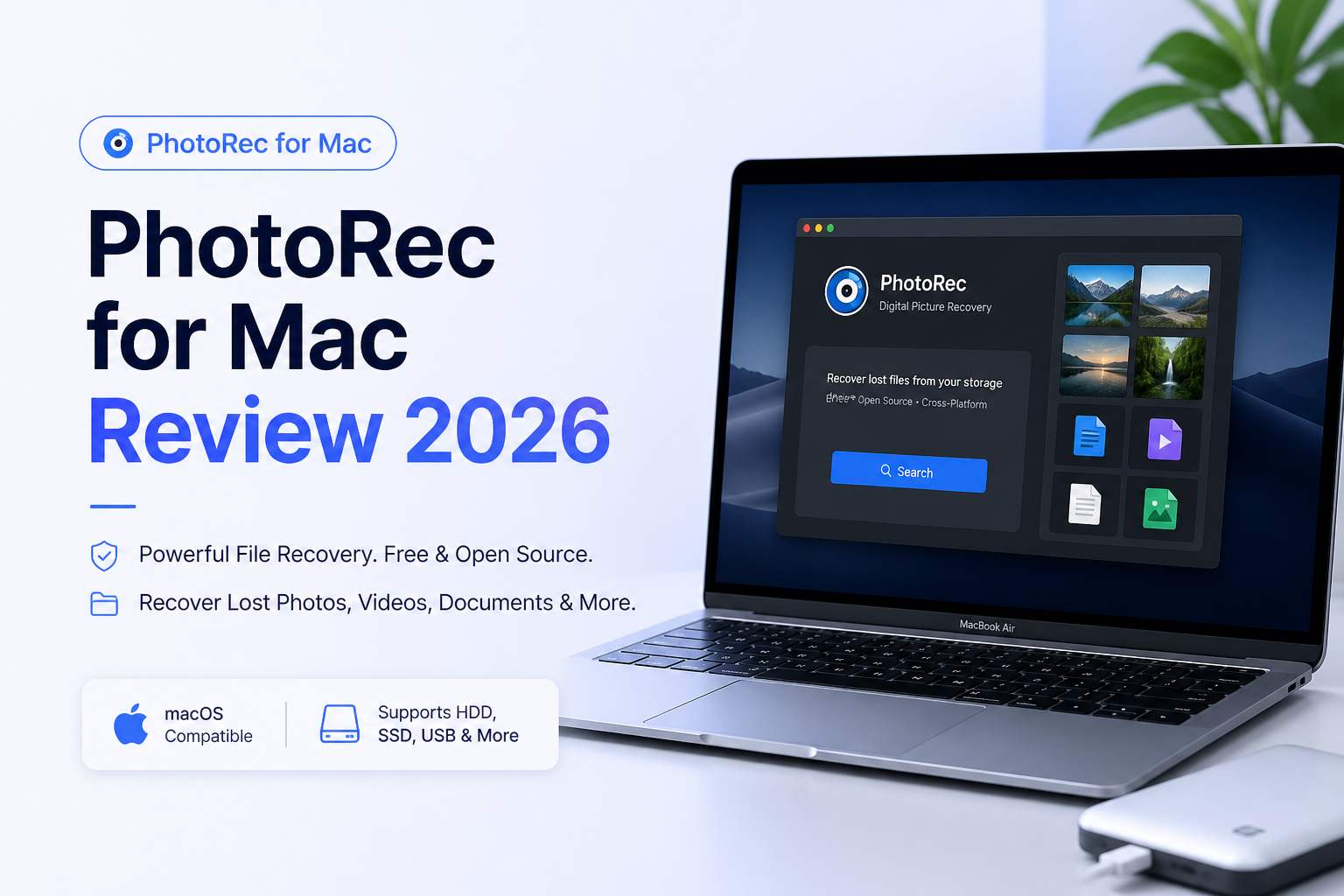
PhotoRec for Mac at a Glance
5.4/10PhotoRec is a free, open-source file-carving tool bundled with TestDisk. It searches storage for known file signatures even when the original file system is badly damaged.
Best forTechnical Mac users recovering files from a disposable clone or disk image with no budget for paid software
- Signature-based file carving
- More than 480 recognized extensions
- Whole-partition or free-space scanning
- Read-only source access
- Physical media plus disk-image support
- Free with no recovery cap
- Broad format coverage
- Works around damaged file systems
- No original filenames or folders after carving
- Terminal workflow is easy to misconfigure
- Poor preview plus sorting experience
PhotoRec for Mac Recovery Performance in Detail
01 Raw Recovery Capability
Good carving results come with important limits
7.6/10
Raw Recovery Capability
Good carving results come with important limits
PhotoRec ignores damaged file-system records, then searches storage for recognizable file signatures. That approach is useful for reformatted SD cards, corrupted USB drives, plus volumes that no longer mount normally. It recognized more than 480 extensions across roughly 300 file families in the stable 7.2 documentation.
The weakness is fragmentation. Straightforward JPEG files may return intact, while fragmented video or complex documents can emerge broken, incomplete, or mixed with unrelated data. PhotoRec's brute-force mode may help in a few cases, though it is slower plus not completely reliable.
- Works despite severe file-system damage
- Read-only access helps protect source media
- Can scan an entire partition or eligible unallocated space
- Useful on disk images as well as physical media
- Fragmented videos can be unusable
- No dependable recovery-chance rating
- Signature carving produces false positives
02 Mac Usability
Terminal controls make a stressful task harder
2.9/10
Mac Usability
Terminal controls make a stressful task harder
On a Mac, PhotoRec opens as a text interface inside Terminal. Navigation relies on arrow keys, Enter, letter shortcuts, plus menus whose meaning is not always clear. There is no familiar Finder-style file browser, visual scan map, or guided setup.
macOS may also require Full Disk Access before PhotoRec can list a drive. Selecting a raw device such as /dev/rdisk* can improve transfer speed, but that advice assumes the user is already comfortable identifying low-level device names. Disk Drill handles the same basic workflow through clickable storage lists plus visible prompts.
- Keyboard navigation stays responsive
- No conventional installation wizard
- Advanced settings remain accessible
- Terminal interface is intimidating
- Disk identifiers are easy to misread
- macOS permissions add another setup step
03 Recovered File Organization
The biggest problem starts after the scan
3.3/10
Recovered File Organization
The biggest problem starts after the scan
PhotoRec does not restore the original folder tree or filenames. Instead, it writes carved files into numbered recovery directories with generated names. A card holding years of shoots can leave you sorting through thousands of vaguely labeled files.
There is no polished preview gallery inside the Mac interface. Finder can help once recovery finishes, though RAW photos, duplicate thumbnails, damaged clips, plus files with misleading extensions still require manual inspection. For a small batch this is tolerable. For a large photo archive, it becomes the main job.
- Recovered files are separated into numbered directories
- File-type selection can reduce some clutter
- Finder can preview many common formats afterward
- Original filenames are usually lost
- Original folders are not rebuilt
- No visual result browser during selection
04 Format and Media Support
Broad coverage is PhotoRec's strongest practical asset
8.1/10
Format and Media Support
Broad coverage is PhotoRec's strongest practical asset
PhotoRec supports common photo formats such as JPEG, PNG, HEIC, TIFF, plus several camera RAW families. It also recognizes video, archives, office files, audio, creative-project formats, plus many less common signatures.
It can work with hard drives, SSDs, SD cards, USB flash drives, optical media, raw images, plus E01 images. SSD recovery still faces the usual TRIM problem. Once deleted blocks have been cleared, no software can reconstruct their former contents.
- Wide photo plus camera RAW coverage
- Supports removable media plus disk images
- Works across multiple file-system types
- Ignores damaged file-system metadata
- Recognition does not guarantee an intact file
- Related formats may receive unexpected extensions
- Apple-device recovery is not a simple direct workflow
05 Cost and Licensing
Completely free with no recovery cap
10.0/10
Cost and Licensing
Completely free with no recovery cap
PhotoRec costs $0. It is open-source software released under the GNU General Public License, with no file-size cap, subscription, device activation, or paid recovery gate.
That price is hard to beat. Still, free software is not automatically good value for every recovery job. If sorting anonymous files consumes a full afternoon, a paid tool with previews, original-name recovery where possible, plus clearer filtering may be the cheaper choice in practice.
- Unlimited recovery for $0
- No account or activation required
- Open-source GPL license
- No upgrade prompts
- No bundled one-to-one recovery support
- Time spent organizing results can erase the savings
How We Tested PhotoRec for Mac Against Disk Drill
We evaluated the stable PhotoRec 7.2 workflow on Mac-style recovery jobs involving deleted photos, a reformatted removable drive, plus storage with damaged file-system records. We reviewed device selection, permission setup, file-type controls, scan output, recovered-file integrity, naming, folder preservation, plus the time needed to locate useful results.
Disk Drill was judged on the same sequence, with extra attention paid to previews, filtering, recovery estimates, disk imaging, plus camera-media handling. Price contributed to the score, though a free result did not automatically outrank a paid result if it created substantially more cleanup.
When Mac Owners Should Avoid PhotoRec
Skip PhotoRec if the missing files belong to a large organized library, especially one where filenames, dates, or folder paths matter. Signature carving may retrieve the file contents while stripping away the context needed to identify them quickly.
It is also a poor first move for a clicking drive, a device that disconnects repeatedly, or storage containing irreplaceable work. Those symptoms call for imaging with suitable hardware or help from a recovery lab, not repeated scans from Terminal.
PhotoRec for Mac: How It Scored Across Our Recovery Criteria
| Category | Performance | Score |
|---|---|---|
| 01 Raw Recovery Capability | 7.6/10 | |
| 02 Mac Usability | 2.9/10 | |
| 03 Recovered File Organization | 3.3/10 | |
| 04 Format and Media Support | 8.1/10 | |
| 05 Cost and Licensing | 10.0/10 |
PhotoRec vs Disk Drill for Mac: Head-to-Head Recovery Test
We compared both tools on the same kinds of deleted-photo, formatted-card, plus damaged-file-system jobs. Scores consider the recovery itself, then the work needed to locate usable files afterward.
| Metric | PhotoRec | Disk Drill |
|---|---|---|
| Mac Interface | Terminal-based menus | Full graphical workflow |
| Original Names and Folders | Usually lost during carving | Retained when file-system records survive |
| Preview Before Recovery | No practical in-app gallery | Built-in file previews |
| Camera Video Recovery | Fragmented video remains difficult | Dedicated Advanced Camera Recovery |
| Result Filtering | Basic format selection | Search, filters, categories, recovery chances |
| Cost and License Value | $0, but cleanup is fully manual | $89/year reported in July 2026, with guided recovery tools |
| Unlimited Free Recovery | Included at $0 | Free scan plus preview, paid Mac recovery |
| Overall Score | 5.4 / 10 | 9.0 / 10 |
What to Use Instead
Disk Drill is the better fit for most Mac owners because it shows what was found before recovery, keeps the process visual, plus reduces the painful sorting PhotoRec creates.
01 Disk Drill for Mac
A clearer way to scan, preview, plus restore lost files
9.0/10
Disk Drill for Mac
A clearer way to scan, preview, plus restore lost files
Disk Drill 6 turns recovery into a recognizable Mac workflow. Select a device, start the scan, filter the results, preview important photos, then recover them to another drive. It can preserve names plus folders when enough file-system metadata remains.
The free Basic edition scans storage plus previews recoverable files before purchase. Paid recovery is the main drawback. A July 2026 user report placed the one-year license at $89, while the official store also offers subscription plus lifetime choices whose checkout totals may change.
- Clean native-style Mac interface
- File previews before payment
- Searchable, filterable scan results
- Byte-to-byte backup creation
- Advanced Camera Recovery for fragmented media
- Mac recovery requires a paid license
- Preview does not guarantee every recovered file will open
- License terms should be checked before checkout

What Recovery Users Report About PhotoRec and Disk Drill
The poster said PhotoRec failed to produce usable results from a damaged camera card, while Disk Drill recovered the photos in roughly ten minutes. Fragmented camera video was the deciding issue in that case.
A Mac user reported that PhotoRec recovered NEF images after it was launched through Terminal with enough access to see the SD card. The experience still required command-line troubleshooting.
One user recovered data from an external hard drive with Disk Drill 6, praising its byte-to-byte backup, free previews, clean interface, plus responsive email support.
A critical commenter said Disk Drill showed files during scanning but did not recover the needed client work after purchase. This is a good reason to preview several important files before paying.
Should You Use PhotoRec on a Mac?
PhotoRec for Mac is capable, free, plus useful as a last-resort file carver for technical users. We do not recommend it for most people because the Terminal interface, missing filenames, absent folder structure, plus weak result review create too much friction during an already stressful recovery.
Use PhotoRec if the budget is strictly $0 or you are comfortable sorting carved files by hand. Everyone else should start with Disk Drill, inspect the free previews, then pay only if the important files appear usable.
Stop using the affected storage, create a byte-to-byte image on a healthy drive, then scan the image instead of repeatedly stressing the original device.