EaseUS Data Recovery Wizard for Mac: Review 2026
EaseUS makes scanning a drive fairly painless, yet finding files is only half the job. Uneven previews, cluttered results, plus a one-Mac license keep it behind Disk Drill.
EaseUS Data Recovery Wizard for Mac is approachable, but its recovery workflow feels less dependable once scan results get messy. Disk Drill is the better pick for clearer previews, camera-media recovery, disk imaging, plus a license covering up to three devices.
Do not install recovery software on the same disk that lost the files, since new data may overwrite what you hope to restore.
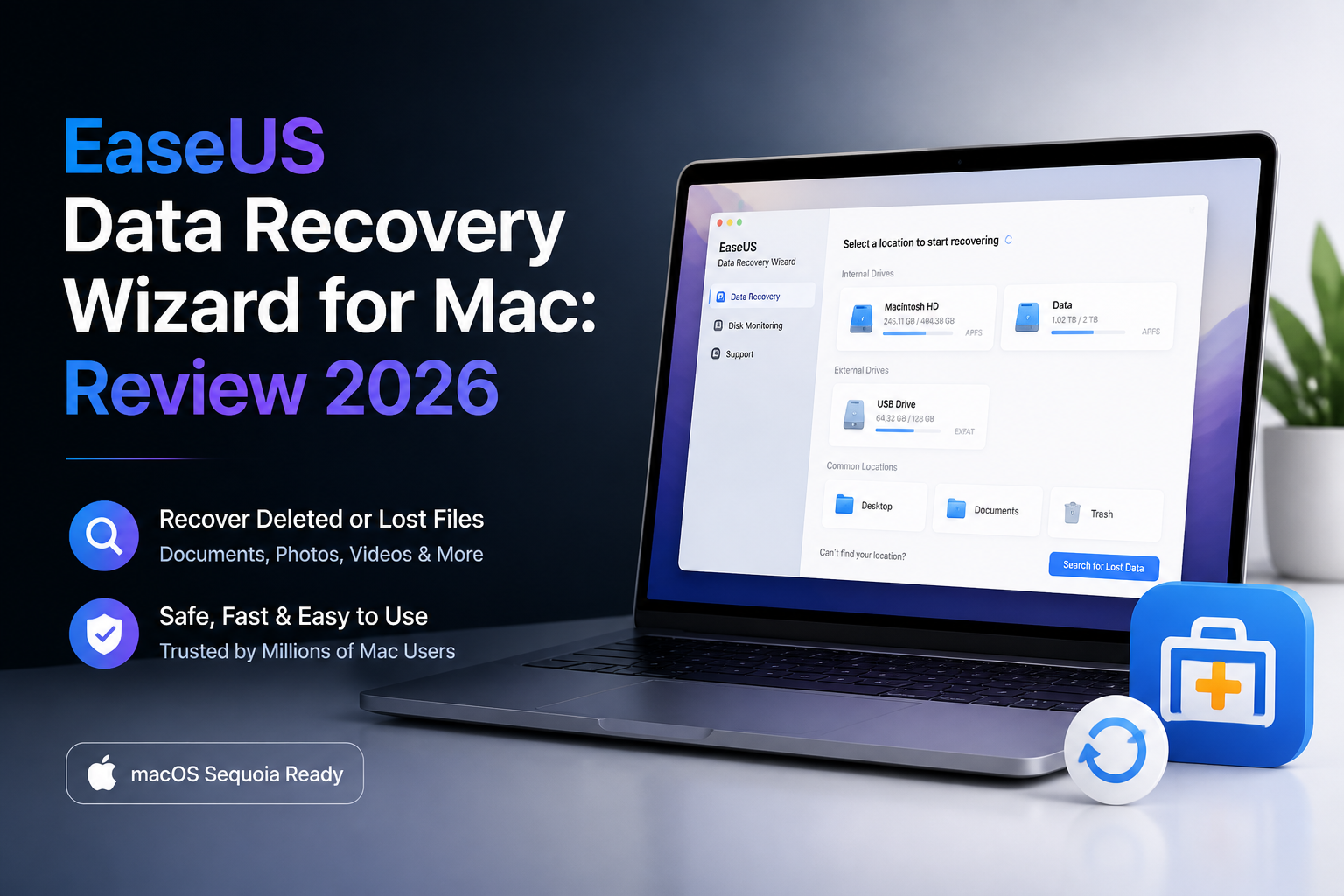
EaseUS Data Recovery Wizard for Mac at a Glance
5.4/10EaseUS is a desktop app that scans Mac volumes or connected storage for deleted, formatted, lost, or inaccessible files. It can restore common documents, photos, audio, video, archives, plus email data.
Best forMac users with a small, recent deletion that fits inside the 2 GB free allowance
- Deleted-file plus formatted-drive scans
- APFS, HFS+, FAT, exFAT, plus NTFS support
- File filters plus preview window
- Up to 2 GB of free Mac recovery
- Bootable-media option in the paid edition
- Easy initial scan setup
- Broad format support
- Useful free recovery allowance
- Messy deep-scan results
- Uneven previews for difficult files
- Paid license covers one Mac
How We Evaluated EaseUS Data Recovery Wizard for Mac in 2026
We reviewed the Mac workflow across a deleted APFS file set, a reformatted exFAT memory-card image, plus a mixed document or media collection. The checks covered drive selection, scan behavior, filtering, previews, folder reconstruction, recovery setup, licensing, plus safeguards for unstable storage.
No recovery app can promise a fixed success rate. File condition, overwriting, SSD TRIM, encryption, physical damage, plus prior repair attempts can change the outcome more than the software brand.
When EaseUS Data Recovery Wizard for Mac Is the Wrong Choice
Skip self-service software if a drive clicks, disconnects repeatedly, smells burned, reports the wrong capacity, or no longer appears in Disk Utility. Continued scanning can put mechanically damaged media under more stress.
EaseUS is also a weak fit for multi-computer households or camera users dealing with fragmented video. Disk Drill offers a three-device personal license, byte-to-byte imaging, plus a dedicated camera-recovery mode.
EaseUS Data Recovery Wizard for Mac: How It Scored in 2026
| Category | Performance | Score |
|---|---|---|
| 01 Recovery Results | 5.7/10 | |
| 02 Scan Navigation | 7.2/10 | |
| 03 Preview Quality | 4.6/10 | |
| 04 Mac Recovery Tools | 5.9/10 | |
| 05 Cost & Licensing | 3.8/10 |
EaseUS Data Recovery Wizard for Mac Recovery Performance in Detail
01 Recovery Results
Common files surfaced, though usable output varied
5.7/10
Recovery Results
Common files surfaced, though usable output varied
EaseUS found familiar JPG, PNG, PDF, MOV, ZIP, plus Office files across deleted-file or formatted-volume scenarios. The trouble appeared after the scan. Some signature-based results lost their original names or folders, leaving long batches of generic files to sort manually.
Recently deleted material produced the cleanest results. Older data from reformatted media was less orderly, especially where file fragments were involved. That is normal to a point, but EaseUS did not give us enough context to separate promising files from weak candidates quickly.
- Finds many common photo, video, document formats
- Supports APFS, HFS+, exFAT, FAT, plus NTFS media
- Can scan external drives, memory cards, USB storage
- Recovered files can be saved to a separate destination
- Deep-scan results can lose useful folder structure
- Generic file names make large recoveries tedious
- Detection does not guarantee that a file will open correctly
03 Preview Quality
Too uncertain for the step that matters most
4.6/10
Preview Quality
Too uncertain for the step that matters most
A working preview is one of the safest signals available before paying or restoring files. EaseUS displayed plenty of ordinary images or documents, yet larger videos, damaged media, plus less common formats were more inconsistent.
A blank preview does not always mean recovery is impossible. Still, it leaves the buyer guessing. Disk Drill presents previews, recovery-chance indicators, plus result groupings in a way that makes the decision easier before checkout.
- Photo thumbnails speed up visual searches
- Many standard documents can be checked in-app
- Previewing is available before a full paid recovery
- Large video previews can be unreliable
- Blank previews leave recovery prospects unclear
- No preview can make a paid upgrade feel like a gamble
04 Mac Recovery Tools
Solid basics without the same depth as Disk Drill
5.9/10
Mac Recovery Tools
Solid basics without the same depth as Disk Drill
EaseUS covers routine Mac recovery from internal volumes, external disks, memory cards, plus Time Machine storage. It also supports bootable recovery media for cases where macOS will not start, though setup requires extra steps.
Disk Drill offers a broader recovery workspace. Its byte-to-byte backup can capture a questionable device before repeated scans, while Advanced Camera Recovery targets fragmented video from cameras. Those tools matter when an SD card or aging drive may be getting worse.
- Works with APFS or HFS+ volumes
- Supports removable media attached to a Mac
- Includes filtering plus cloud-save options
- Bootable recovery is available in the paid edition
- Fewer useful diagnostic details around individual files
- Disk imaging is not as central to the workflow
- Camera-video recovery feels less specialized
05 Cost & Licensing
A narrow license at nearly the same entry price
3.8/10
Cost & Licensing
A narrow license at nearly the same entry price
The free Mac edition can recover up to 2 GB, which is useful for a small folder or a handful of photos. EaseUS lists its single-Mac license at $89.95, with lifetime upgrades included on the offer reviewed.
Disk Drill PRO is listed at $89 per year for one user on up to three devices, covering macOS plus Windows. The annual renewal is a caveat, though the broader device allowance gives households with several computers more room.
- Free edition includes up to 2 GB of recovery
- Single-Mac offer includes lifetime upgrades
- No need to pay merely to start a scan
- $89.95 license covers only one Mac
- Checkout extras can distract from the base purchase
- Poor value if you need recovery on several computers
EaseUS Data Recovery Wizard for Mac vs Disk Drill: Head to Head
We compared both Mac apps through the same basic workflow: identify storage, scan deleted or formatted media, inspect previews, then prepare files for recovery. Licensing plus protective tools were scored separately.
| Metric | EaseUS Data Recovery Wizard for Mac | Disk Drill |
|---|---|---|
| Result Organization | Useful filters, cluttered deep-scan output | Clearer categories plus recovery-chance labels |
| Preview Workflow | Good for basic photos or documents | Unlimited Mac preview with stronger file triage |
| Camera Media Recovery | Standard memory-card scanning | Dedicated Advanced Camera Recovery module |
| Drive Imaging | Less prominent in the recovery process | Built-in byte-to-byte backup workflow |
| Free Mac Use | Up to 2 GB of file recovery | Scan plus preview, normal recovery requires PRO |
| Personal License | $89.95 for one Mac | $89/year for up to three Mac or Windows devices |
| Latest Mac Toolset Reviewed | General-purpose recovery suite | Version 6.3 with camera plus encrypted-volume improvements |
| Overall Score | 5.4 / 10 | 8.7 / 10 |
Use Disk Drill Instead of EaseUS on Mac
Disk Drill costs about the same at entry, yet its three-device license, disk imaging, clearer result grading, plus camera-focused recovery make it the more practical choice.
01 Disk Drill
A better-organized Mac recovery workspace
8.7/10
Disk Drill
A better-organized Mac recovery workspace
Disk Drill is our preferred alternative because it makes the pre-recovery decision less murky. You can scan or preview files before purchasing, inspect estimated recovery chances, then save a byte-to-byte image when the source device seems unstable.
Its Advanced Camera Recovery module is particularly useful for SD cards containing fragmented camera footage. The main drawback on Mac is straightforward: ordinary file recovery requires PRO, even though scanning plus previews are free.
- Cleaner result grouping plus recovery-chance labels
- Byte-to-byte backups help reduce repeated work on failing media
- Advanced Camera Recovery targets fragmented photo or video files
- One personal license supports up to three devices
- Works on macOS plus Windows
- Standard recovery is not free on Mac
- $89 annual plan renews unless canceled
- Activated digital purchases have a restrictive refund policy

What Mac Users Report About EaseUS Data Recovery Wizard
The reviewer said EaseUS recovered needed files after an old backup drive failed, turning a stressful client-file request into a successful recovery.
This user reported that the app found nothing useful on either a memory card or Mac drive. They also felt the recovery instructions were outdated, then sought a refund.
A reviewer said accidentally deleted files were restored fairly quickly, with the app recovering everything they needed.
The user described the scan as little more than Finder in their case, saying it failed to detect Trash files deleted only minutes earlier. They also criticized support.
Should You Use EaseUS Data Recovery Wizard for Mac?
EaseUS Data Recovery Wizard for Mac works best for a recent, modest deletion where the free 2 GB allowance covers everything. It falls short once results lose their names, previews stop helping, or several computers need coverage.
Most Mac users should scan the affected device with Disk Drill first. Its preview tools, disk imaging, camera recovery, plus broader personal license make it easier to judge a recovery before committing money.
Stop using the affected disk, connect it as secondary storage if possible, then confirm several important files through preview before paying for any recovery app.