MiniTool Mac Data Recovery Review: Pros, Cons and Alternatives in 2026
MiniTool Mac Data Recovery 3.0 can still be downloaded, but its dated specifications make it a poor match for a current Mac. MiniTool now points Mac owners toward another company’s software instead.
MiniTool Mac Data Recovery is not a sensible 2026 purchase. The surviving version is 3.0, its published requirements date back to old Mac OS X releases, plus MiniTool’s current Mac page promotes Stellar rather than a maintained MiniTool app. Download Disk Drill instead for current macOS support, clearer previews, disk images, plus an actively maintained recovery workflow.
The biggest concern is trusting an old recovery utility with a modern APFS Mac when MiniTool does not present it as a current, fully supported product.
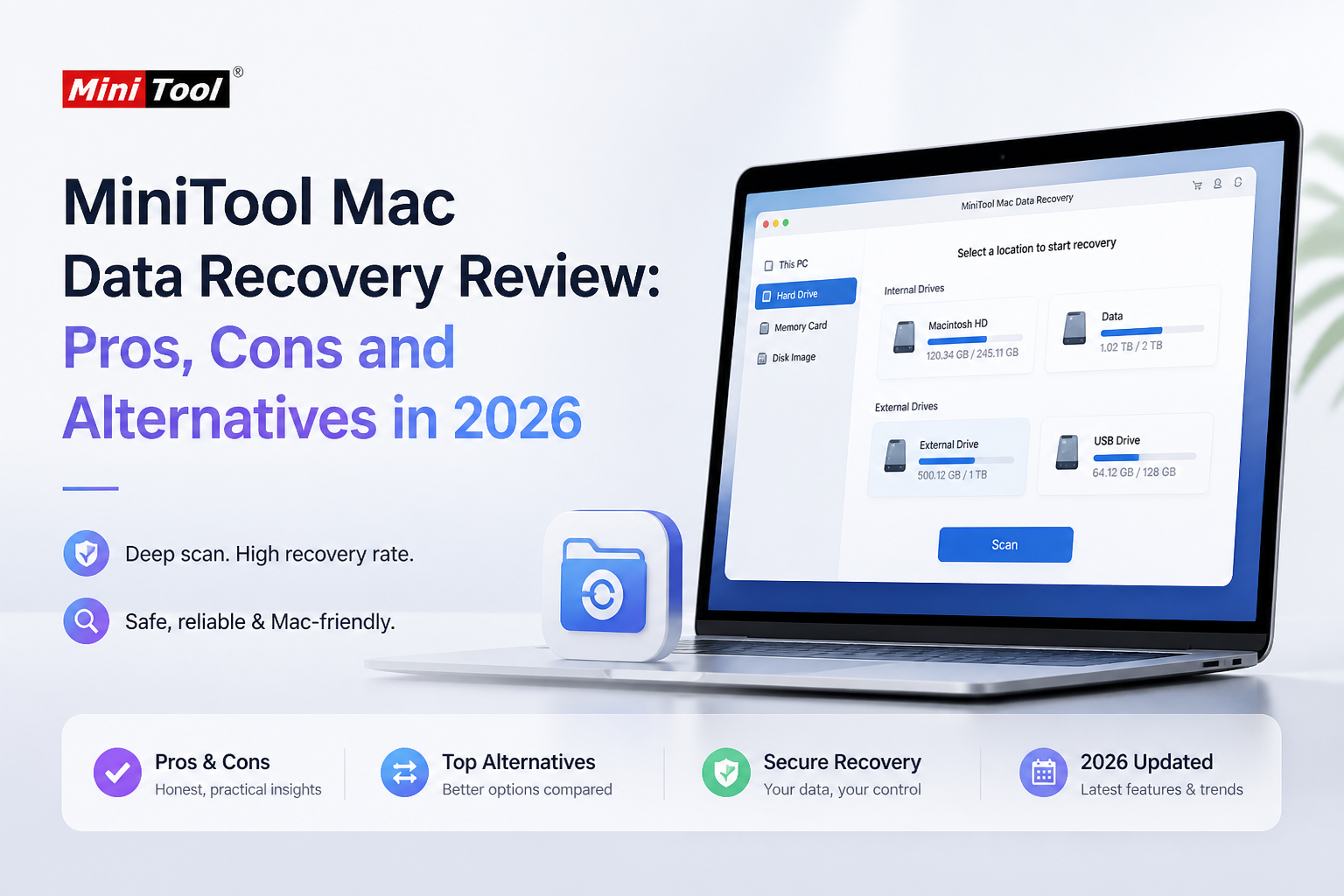
MiniTool Mac Data Recovery at a Glance
3.8/10MiniTool Mac Data Recovery 3.0 is a legacy desktop utility for finding deleted files, damaged partitions, lost volumes, plus media files. MiniTool now promotes Stellar on its main Mac recovery page instead of a newer version of its own app.
Best forOwners of an older Intel Mac testing a noncritical HFS+ disk or removable FAT drive
- Undelete Recovery mode
- Damaged Partition Recovery
- Lost Partition Recovery
- Digital Media Recovery
- Search plus saved scan results
- Free legacy download
- Straightforward recovery modes
- Supports several older file systems
- No convincing modern APFS support
- Unclear development status
- Dated interface plus documentation
How We Evaluated MiniTool Mac Data Recovery for Current Macs
We checked MiniTool’s active download center, legacy Mac manual, file-system reference, current Mac product page, plus 2026 release history. We compared those materials with the needs of a current Mac using APFS, Apple silicon, external SSDs, SD cards, plus modern macOS permissions.
We scored product status more heavily than the number of old scan modes. Recovery software touches irreplaceable data, so a maintained release, clear compatibility notes, safe imaging, plus preview quality matter more than simply opening an installer.
When MiniTool Mac Data Recovery Is the Wrong Tool
Avoid the legacy MiniTool app on an APFS system disk, an encrypted Mac, Apple silicon hardware, or media showing physical-failure symptoms. Repeated clicking, rescanning, or mounting can worsen a failing drive.
If the disk disconnects, clicks, reports changing capacity, or vanishes from Disk Utility, stop. Software recovery is meant for logical loss. A physically unstable device should be cloned with appropriate hardware or examined by a recovery lab.
MiniTool Mac Data Recovery: 2026 Category Scores
| Category | Performance | Score |
|---|---|---|
| 01 Modern Mac Compatibility | 2.5/10 | |
| 02 Recovery Toolset | 5.1/10 | |
| 03 Scan Navigation | 4.9/10 | |
| 04 Product Support | 2.0/10 | |
| 05 Cost Clarity | 6.0/10 |
MiniTool Mac Data Recovery Performance in Detail
01 Modern Mac Compatibility
Published specifications belong to another Mac era
2.5/10
Modern Mac Compatibility
Published specifications belong to another Mac era
MiniTool still hosts a download for Mac Data Recovery 3.0, yet its public specification lists Mac OS X 10.5 or later plus HFS+, FAT16/32, plus NTFS. That is not enough detail for someone using APFS, Apple silicon, encrypted storage, or macOS Tahoe 26.
The more revealing detail sits on MiniTool’s current Mac recovery page. Rather than presenting a newer MiniTool release, the company directs visitors to Stellar Data Recovery for Mac. A legacy installer may launch, but launching is not the same thing as being a safe fit for a current file system.
- Old Intel-era Macs may still run the installer
- HFS+ appears in the published file-system list
- External FAT or NTFS media is covered on paper
- No clear APFS support in the legacy specifications
- No stated Apple silicon optimization
- Current MiniTool pages promote a third-party Mac tool
02 Recovery Toolset
Useful basic modes with major modern omissions
5.1/10
Recovery Toolset
Useful basic modes with major modern omissions
The app separates work into Undelete Recovery, Damaged Partition Recovery, Lost Partition Recovery, plus Digital Media Recovery. Those modes cover common problems such as an emptied Trash, a formatted card, or a missing partition.
The trouble is what comes after that list. MiniTool’s old Mac documentation does not show a modern byte-to-byte imaging workflow, current APFS handling, advanced fragmented-video reconstruction, or the drive-health tools found in newer recovery suites. The underlying ideas are useful. The package around them has barely moved.
- Dedicated lost-partition mode
- Separate digital-media scan
- Can search HFS+, FAT, plus NTFS storage
- Covers several logical-loss scenarios
- Feature layout feels fragmented
- No clearly documented modern disk-imaging workflow
- Weak fit for newer camera-video recovery
04 Product Support
The Mac edition no longer looks actively developed
2.0/10
Product Support
The Mac edition no longer looks actively developed
This is MiniTool Mac Data Recovery’s worst category. Its download center still lists version 3.0, while the company’s live Mac product page describes a partnership with Stellar. MiniTool’s 2026 release notes focus on the separate Windows-only Power Data Recovery line.
That leaves Mac users in an awkward spot. There is an installer, some old documentation, plus no clear current release path. Recovery software needs timely fixes because macOS permissions, security controls, chip architecture, plus file systems keep changing.
- Legacy manuals remain online
- Installer is still hosted by MiniTool
- Basic reference pages are accessible
- No visible current development track for the MiniTool Mac app
- Official Mac page sends customers to Stellar
- Compatibility guidance is too vague for high-stakes recovery
05 Cost Clarity
No current MiniTool Mac license worth comparing
6.0/10
Cost Clarity
No current MiniTool Mac license worth comparing
The legacy MiniTool Mac Data Recovery 3.0 installer is listed as a free download. We could not verify a current paid MiniTool license for this exact Mac product from the company’s active store pages.
A zero-dollar download is appealing for experiments on an unimportant spare drive. It offers little comfort if support status, APFS behavior, plus current macOS compatibility remain unclear. Disk Drill’s free edition scans plus previews files before purchase, while PRO costs $89 per year or $149 for a lifetime license.
- Legacy installer costs $0 to download
- No subscription is presented for the retired-style Mac release
- Low barrier for testing old removable media
- No clear current commercial license or upgrade path
- Free software has poor value if it cannot safely handle the target Mac
- Support status is harder to judge than the price
MiniTool Mac Data Recovery vs Disk Drill: Mac Recovery Compared
We compared the currently listed Mac releases, published file-system coverage, recovery safeguards, preview options, plus license terms. Disk Drill wins because it is maintained for present-day Macs rather than merely remaining downloadable.
| Metric | MiniTool Mac Data Recovery | Disk Drill |
|---|---|---|
| Current Mac Product Status | Legacy version 3.0 remains listed | Actively maintained Mac application |
| Modern APFS Coverage | Not listed in legacy specifications | Documented APFS recovery support |
| Byte-to-Byte Disk Images | No clear current workflow | Built-in image creation plus scanning |
| Fragmented Camera Video | Basic digital-media mode | Advanced Camera Recovery mode |
| Recovery Modes | Four clearly separated modes | Unified scan with selectable methods |
| Free Evaluation | $0 legacy download, limits unclear | $0 scan plus file preview |
| Pricing or License | No verified current paid Mac plan | $89/year or $149 lifetime, Mac plus Windows |
| Overall Score | 3.8 / 10 | 9.0 / 10 |
What to Use Instead of MiniTool Mac Data Recovery
Use Disk Drill if the lost files are on a present-day Mac, external SSD, hard drive, USB stick, or camera card. Its current development plus preview-first workflow remove much of the uncertainty surrounding MiniTool’s legacy Mac release.
01 Disk Drill
A maintained recovery app built for current Macs
9.0/10
Disk Drill
A maintained recovery app built for current Macs
Disk Drill is the easier recommendation for a Mac in 2026. It supports current macOS hardware plus file systems, lets you preview recoverable files before paying, plus creates byte-to-byte images so you can work from a copy rather than repeatedly stressing questionable storage.
Its interface keeps deleted-file scans, formatted-drive recovery, disk images, camera recovery, filters, plus previews in one place. Disk Drill is not magic. TRIM, overwriting, encryption, or physical hardware damage can still make files unrecoverable. At least the free scan gives you useful evidence before you buy.
- Current macOS support
- APFS, HFS+, exFAT, FAT, plus NTFS scanning
- Free scans plus recoverable-file previews
- Byte-to-byte backup tool included
- Advanced Camera Recovery for fragmented video
- Mac free edition does not provide unlimited file recovery
- PRO purchases are generally non-refundable after delivery
- Full scans can take a long time on large disks

What Users Plus Reviewers Report About MiniTool Mac Data Recovery
Macworld found useful lost-partition plus digital-media features, but described the interface as clumsy. Its test also encountered a crash during a scan larger than 200GB.
A verified G2 reviewer called recovery easy, though they felt the interface needed improvement. The review dates to 2018, which also shows how little fresh public feedback exists for this Mac edition.
One Reddit poster said Disk Drill recovered photos from a RAW camera card after other tools failed to detect or properly reconstruct the material. The poster especially valued previews plus Advanced Camera Recovery.
A commenter in the same Disk Drill thread reported paying after a scan, then failing to recover the needed client files. This is a useful reminder to preview several important files fully before buying any recovery app.
Should You Use MiniTool Mac Data Recovery in 2026?
MiniTool Mac Data Recovery should be skipped by most current Mac owners. Version 3.0 remains downloadable, but its published support information looks years behind APFS, Apple silicon, plus current macOS security changes.
It may have some value on an old, noncritical HFS+ disk. For meaningful photos, work files, or camera footage, use Disk Drill to create an image, scan safely, plus preview the results before paying.
Stop writing to the affected disk, create a byte-to-byte image on healthy storage, then confirm that several important files preview correctly before purchasing recovery access.