Tenorshare 4DDIG for Mac: Review 2026
4DDiG makes scanning a Mac easy, yet the purchase terms plus uncertain recovery quality weaken the deal. Disk Drill offers a more complete recovery workspace.
Tenorshare 4DDiG for Mac is easy to scan with, but we would not buy it first. Its short-term licenses renew automatically by default, the trial is mainly useful for checking files, plus real-user feedback shows uneven recovery results. Disk Drill is the better Mac option for disk images, organized results, camera media, plus a license covering macOS or Windows.
The main concern is recurring billing: 4DDiG monthly or yearly licenses renew by default unless you cancel them.
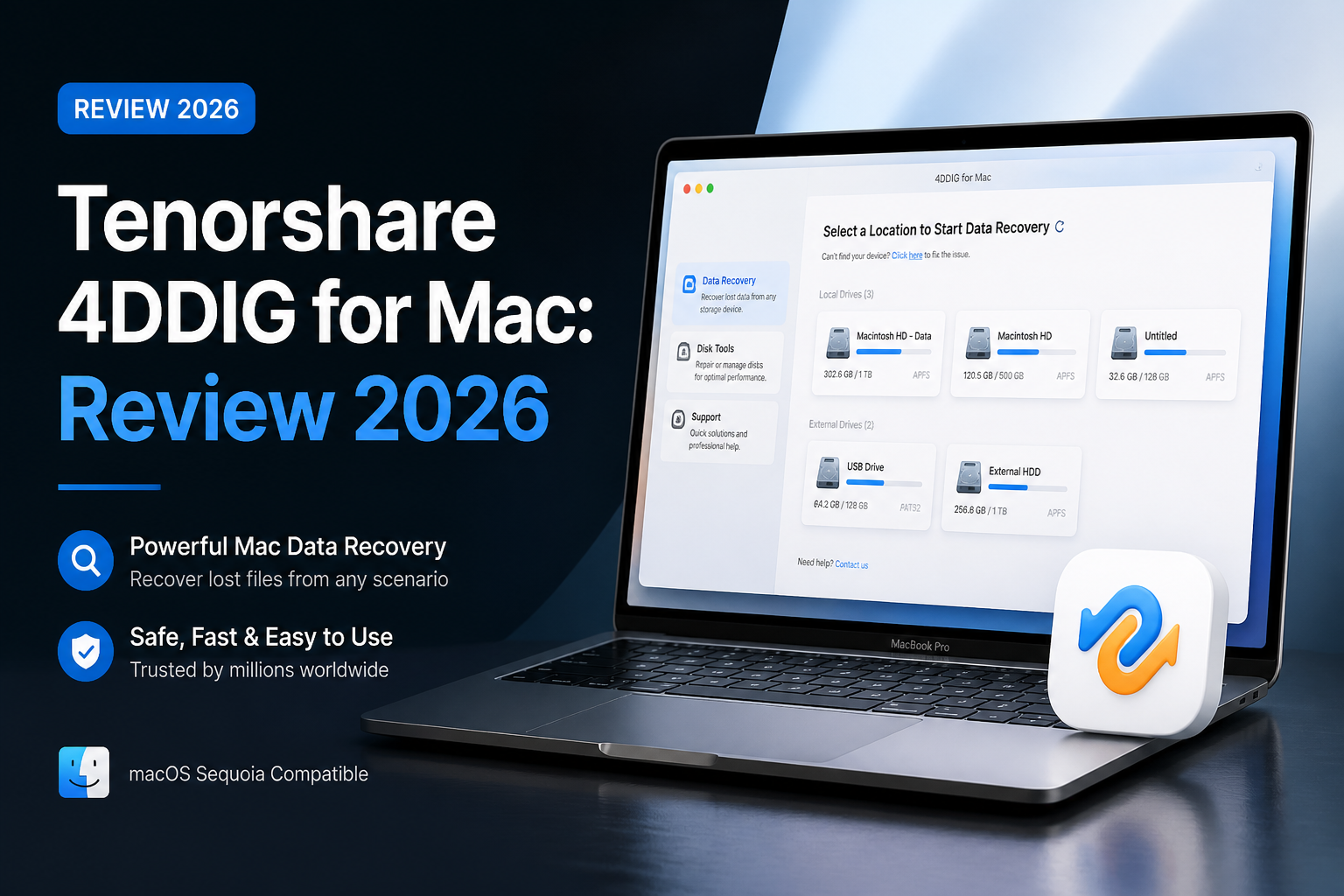
Tenorshare 4DDiG for Mac at a Glance
5.4/10Tenorshare 4DDiG is a Mac data recovery app for deleted files, formatted storage, lost partitions, plus unbootable systems. It scans first, previews results, then requires a paid license to save recovered data.
Best forMac users who need a quick scan of a healthy external drive before deciding whether to pay
- Deleted-file plus formatted-drive scanning
- Photo, video, document, plus archive previews
- External drive or memory-card support
- Crashed-Mac recovery
- iCloud recovery option
- Easy first scan
- Useful previews
- Current Apple silicon support
- Recurring short-term licenses
- Mac-only purchase
- Uneven difficult-case results
How We Evaluated Tenorshare 4DDiG for Mac in 2026
We reviewed the current Mac workflow using deleted-file, formatted-volume, plus removable-media scenarios. The scoring considered preview usefulness, result organization, difficult-media safeguards, license terms, current pricing, published support policies, plus verifiable user reports available through August 28, 2026.
Recovery quality was weighted most heavily. A polished scan screen received less credit if the app lacked a strong imaging-first workflow or made subscription details easy to overlook.
When You Should Avoid Tenorshare 4DDiG for Mac
Skip a direct scan if the drive clicks, disconnects, becomes extremely slow, or vanishes from Disk Utility. Repeated reads can worsen physical damage. Power it down, then consult a professional recovery lab if the files are irreplaceable.
4DDiG is also a weak fit for anyone who dislikes auto-renewing software or needs one license across Mac plus Windows. Disk Drill offers broader platform coverage, though you should still confirm previews before purchasing.
Tenorshare 4DDiG for Mac: Our 2026 Category Scores
| Category | Performance | Score |
|---|---|---|
| 01 File Recovery Quality | 5.2/10 | |
| 02 Mac Workflow | 7.2/10 | |
| 03 Scan Results | 6.1/10 | |
| 04 Recovery Toolset | 4.8/10 | |
| 05 Cost Plus Licensing | 3.9/10 |
Tenorshare 4DDiG for Mac Recovery Performance in Detail
01 File Recovery Quality
Adequate for ordinary deletion, less convincing in difficult cases
5.2/10
File Recovery Quality
Adequate for ordinary deletion, less convincing in difficult cases
4DDiG found familiar file types during basic deleted-file scans, including JPEG images, MP4 clips, PDFs, plus office documents. The harder question is whether each recovered item opens correctly. A filename in a scan list does not prove that its contents remain intact.
Results become less predictable after formatting, file-system damage, overwriting, or storage failure. Preview every important file before paying, then treat blank previews, partial images, or unplayable videos as warning signs. For damaged media, create an image first rather than repeatedly scanning the original device.
- Recognizes common photo, video, archive, plus document formats
- Preview helps screen individual files before purchase
- Can scan internal Mac storage plus removable media
- Finding a file does not guarantee a usable recovery
- Mixed user reports for corrupted or incomplete output
- No software can reverse SSD data loss caused by TRIM
02 Mac Workflow
The strongest part of the package
7.2/10
Mac Workflow
The strongest part of the package
The app follows a straightforward path: choose a location, start the scan, filter the result, preview a file, then recover it somewhere else. New users should have little trouble locating an SD card or external drive. The basic workflow is clear without much setup.
That simplicity can hide important recovery decisions. Users may scan a failing device directly instead of making a sector-level image first. The interface also makes a long list of found files look more reassuring than it may be, so previews still matter.
- Clean location picker
- Useful file-type filters
- Preview appears before the paid recovery step
- Supports current Apple silicon Macs
- Simple presentation can obscure technical risk
- Result volume may create false confidence
03 Scan Results
Readable, though large sessions get messy
6.1/10
Scan Results
Readable, though large sessions get messy
4DDiG separates results by file type plus path, which helps when searching for one deleted folder or a batch of camera photos. Search plus filtering reduce the amount of manual browsing. Previews are the most useful checkpoint because they reveal whether a photo, document, or short clip is actually readable.
Deep scans can produce duplicate entries, reconstructed files with generic names, plus items that no longer open. Do not recover everything merely because the scan found thousands of files. Start with a small verified batch.
- Search narrows crowded scans
- File-type grouping is easy to understand
- Scans can be paused for closer inspection
- Deep scans may return duplicates or generic filenames
- Folder structure may be incomplete after severe damage
04 Recovery Toolset
Core features are present, deeper safeguards feel thin
4.8/10
Recovery Toolset
Core features are present, deeper safeguards feel thin
4DDiG covers deleted files, formatted storage, lost partitions, crashed Macs, plus selected cloud recovery cases. It also advertises photo or video repair features in certain plans. That sounds broad, but several jobs are presented as separate Tenorshare products or bundles.
Disk Drill feels more coherent for Mac recovery because byte-to-byte backup, recovery scanning, camera-focused recovery, result mounting, disk health tools, plus data-protection utilities live in one workspace. Imaging matters most when a drive may be deteriorating.
- Handles internal disks, memory cards, plus USB storage
- Includes crashed-Mac recovery options
- Supports lost-partition scanning
- Related repair tasks may push users toward another purchase
- Less compelling imaging workflow than Disk Drill
- Fewer useful extras within one recovery interface
05 Cost Plus Licensing
Short licenses cost too much for one recovery attempt
3.9/10
Cost Plus Licensing
Short licenses cost too much for one recovery attempt
At the time checked, the Mac edition cost $55.95 for one month, $69.95 for one year, or $119.95 for a lifetime license, before tax. The monthly or yearly choices renew automatically by default. Tenorshare says cancellation may require its support team for some payment channels.
The trial can scan plus preview recoverable files, but 4DDiG's own support page says a license is needed to save them. Pricing messages across Tenorshare pages are not always presented consistently, so check the final cart plus renewal line before paying.
- Lifetime purchase avoids recurring renewal
- Thirty-day conditional refund policy is published
- Preview provides some evidence before checkout
- Monthly license is expensive for a single incident
- Monthly plus yearly plans renew by default
- Refund approval may require troubleshooting or log submission
Tenorshare 4DDiG vs Disk Drill for Mac — Head to Head
We compared both Mac apps using the same recovery priorities: preview confidence, damaged-media handling, imaging, license scope, plus total cost. Disk Drill offers the more complete setup for serious recovery work.
| Metric | Tenorshare 4DDiG | Disk Drill |
|---|---|---|
| Mac scan workflow | Simple location-first scan | Simple scan with clearer recovery categories |
| Disk imaging | Limited emphasis in the main workflow | Built-in byte-to-byte backup |
| Camera media recovery | Standard photo or video scanning | Advanced Camera Recovery for fragmented media |
| Free Mac edition | Scan plus preview before payment | Scan, preview, protection tools, plus disk imaging |
| License coverage | Mac license only | macOS plus Windows, up to 3 activations |
| Lowest short-term paid plan | $55.95 for one month | $89 for one year |
| Lifetime license | $119.95 for one Mac | $149 for macOS plus Windows |
| Overall score | 5.4 / 10 | 8.8 / 10 |
What to Use Instead of Tenorshare 4DDiG
Choose Disk Drill if you want disk imaging, stronger camera-media tools, plus one personal license for both desktop platforms.
01 Disk Drill for Mac
A better recovery workspace for removable media plus Mac disks
8.8/10
Disk Drill for Mac
A better recovery workspace for removable media plus Mac disks
Disk Drill is our preferred alternative because it combines file recovery with byte-to-byte imaging, file previews, recovery-chance estimates, advanced camera recovery, plus cleaner result organization. A single personal license covers macOS or Windows with up to three activations.
Its Basic edition lets Mac users scan storage plus preview recoverable files before paying. Disk Drill is not cheap, plus its paid licenses are generally non-refundable, so a successful preview remains essential. Still, its imaging tools plus broader license make more sense than 4DDiG for repeated use.
- Byte-to-byte backup for unstable media
- Advanced Camera Recovery for fragmented video
- One license covers macOS plus Windows
- Up to three personal-device activations
- Clear previews plus recovery-chance indicators
- Mac file recovery requires PRO
- Annual plan renews unless canceled
- Purchases are generally non-refundable

What 4DDiG Users Report About Recovery Plus Billing
Sabrina said the software felt confusing, failed to retrieve the lost files, plus led to a frustrating refund dispute.
Fahad said 4DDiG displayed deleted files during the scan, then required an expensive paid plan to save them.
A Reddit user reported that 4DDiG recovered some items, yet certain expected files were missing unless recovered individually.
Wisani reported recovering lost SD-card footage, though some recovered information remained severely corrupted.
Should You Buy Tenorshare 4DDiG for Mac?
Tenorshare 4DDiG for Mac is not our recommendation despite its friendly scan screen. The automatic renewal setup, Mac-only licensing, scattered product lineup, plus mixed reports about recovered-file quality make the purchase harder to justify.
It may suit someone who previews one clearly recoverable file set, reads the renewal terms carefully, then needs only a one-month license. Most Mac users should try Disk Drill first for its disk imaging, camera recovery, broader personal license, plus stronger collection of recovery tools.
Stop writing to the affected disk, create a byte-to-byte image on a separate drive, then scan the image before paying for any recovery license.