TestDisk for Mac Review 2026: Pros, Cons and Alternatives
TestDisk can rescue a damaged partition without charging a cent. Still, its text-based workflow, narrow undelete support, plus high stakes make it a rough choice for most Mac owners.
TestDisk is free plus genuinely capable at partition repair, but it asks ordinary Mac users to make consequential storage choices inside a text interface. Disk Drill is the better option for most recovery jobs because it offers visual scanning, previews, filtering, disk images, plus a safer guided workflow.
One wrong disk, partition, or write choice can complicate an already fragile recovery job, so do not experiment on your only copy of important data.
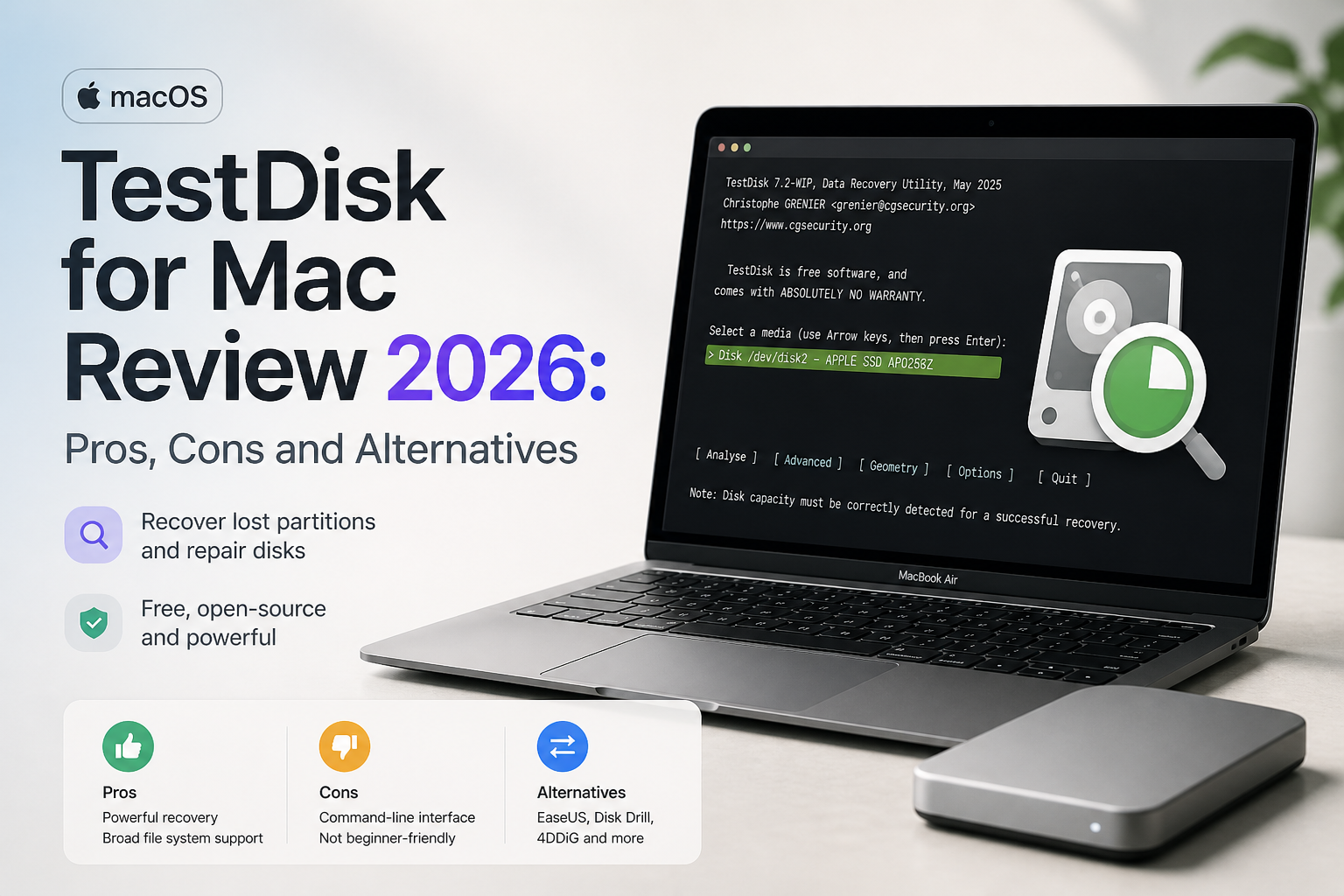
TestDisk for Mac at a Glance
5.2/10TestDisk is a free, open-source partition recovery utility that runs through Terminal on macOS. The download also includes PhotoRec for signature-based file carving.
Best forTechnicians or experienced users repairing a known partition-table problem
- Lost-partition detection
- Selected boot-sector repair tools
- File copying from supported partitions
- Undelete for FAT, exFAT, NTFS, plus ext2
- PhotoRec file carving
- Completely free
- Broad partition-format recognition
- Portable package with PhotoRec included
- No native Mac interface
- Limited undelete support for Apple file systems
- Technical repair choices have weak guardrails
TestDisk for Mac: Scores Across Five Recovery Criteria
| Category | Performance | Score |
|---|---|---|
| 01 Partition Repair | 7.8/10 | |
| 02 Mac Usability | 3.2/10 | |
| 03 File Recovery Range | 4.9/10 | |
| 04 Safety Guidance | 4.3/10 | |
| 05 Cost & Licensing | 10.0/10 |
How We Evaluated TestDisk for Mac in 2026
We reviewed the current TestDisk 7.2 stable workflow plus the available 7.3 work-in-progress Mac build, then followed the official paths for disk selection, partition analysis, file listing, copying, plus PhotoRec carving. The evaluation focused on how clearly each step communicates risk to a Mac user, rather than rewarding a tool merely for exposing more technical controls.
Scores also considered APFS relevance, recovery destination handling, result organization, preview access, licensing, plus the effort required to identify the correct physical disk. Disk Drill was assessed against the same practical tasks as the recommended graphical alternative.
When TestDisk Is the Wrong Choice for Mac Recovery
Avoid TestDisk as your first move if you cannot confidently distinguish a physical disk from a volume, do not know which partition map should exist, or have only one copy of irreplaceable data. A clicking hard drive, a device that repeatedly disconnects, or storage containing business-critical records should not become a trial-and-error project.
TestDisk is also a poor fit when you want to browse deleted photos visually, preview videos, filter by date, or restore files from APFS through a familiar interface. In those cases, Disk Drill offers a much shorter route to verifying what remains recoverable.
TestDisk for Mac Recovery Performance in Detail
01 Partition Repair
The part TestDisk still does best
7.8/10
Partition Repair
The part TestDisk still does best
TestDisk was built primarily for finding lost partitions, repairing certain boot-sector problems, plus copying files from damaged or deleted partitions. Its analysis tools can identify APFS, HFS+, exFAT, FAT, NTFS, ext, plus many less common partition types.
The problem is not raw capability. It is interpretation. The screen may show several partition candidates with sizes, starting sectors, plus status markers, yet it gives little plain-English help about which entry is safe to restore. That is a big judgment call inside a compact text menu.
- Finds many lost partition types
- Supports Apple partition formats including APFS plus HFS+
- Can inspect partition structures without a paid license
- Includes useful boot-sector tools for supported file systems
- Partition results require technical interpretation
- Writing a proposed partition table carries real risk
- Few visual clues help distinguish old entries from current ones
02 Mac Usability
Terminal friction from the first launch
3.2/10
Mac Usability
Terminal friction from the first launch
TestDisk has no native Mac interface. You launch it through Terminal, approve storage permissions where needed, then navigate with arrow keys, letter shortcuts, plus terse menus. The layout is quick for someone who already understands partition tables. It feels opaque if you only know that a folder vanished from an external drive.
Disk identification is another weak point. Several devices may appear under Unix names such as /dev/disk2, which is less reassuring than seeing a drive name, capacity, file system, health details, plus a visual volume map in one window.
- Runs on Intel Macs plus Apple silicon through the available macOS build
- Keyboard navigation is fast after you learn it
- No installer is required when using the downloaded archive
- No native graphical Mac interface
- Terminal permissions can confuse casual users
- Technical disk labels raise the chance of choosing the wrong device
03 File Recovery Range
Narrow undelete support without PhotoRec
4.9/10
File Recovery Range
Narrow undelete support without PhotoRec
TestDisk itself can undelete files from FAT, exFAT, NTFS, plus ext2. That list leaves an awkward gap for Mac users whose deleted files were stored on a normal APFS or HFS+ volume. TestDisk may locate a lost Apple partition, but that does not mean it offers convenient file-by-file undelete for every Apple file system.
PhotoRec, included in the same project download, can carve files by signature when file-system recovery fails. It often loses original folder paths plus filenames, however. That makes sorting a large recovery set painfully slow. Disk Drill combines file-system scans, signature scans, filters, previews, plus recovery-chance estimates in one app.
- TestDisk undelete can preserve filenames on supported file systems
- PhotoRec adds signature-based carving
- Recovery output is written to another destination rather than restored in place
- No standard TestDisk undelete workflow for APFS
- PhotoRec results may lose folder structure plus original names
- No polished gallery for sorting thousands of found files
04 Safety Guidance
Good principles with weak guardrails
4.3/10
Safety Guidance
Good principles with weak guardrails
TestDisk can analyze a disk without immediately changing it, plus the documentation correctly tells users to recover files onto separate media. Those are sound recovery practices. Still, its menus place inspection tools beside operations that can write partition information.
There is no broad visual preview step before every consequential action. Nor does the interface consistently translate storage jargon into practical warnings. A cautious user can work safely, but the software assumes you understand the disk structure being shown.
- Analysis can begin in read-oriented modes
- Recovered files are copied to another volume
- Log creation helps document a session
- Repair choices appear with limited contextual explanation
- No automatic disk image is created before analysis
- The interface does little to stop an inexperienced user from making a poor selection
05 Cost & Licensing
Completely free with no recovery cap
10.0/10
Cost & Licensing
Completely free with no recovery cap
TestDisk costs $0. It is open-source software released under the GNU GPL, with no file limit, activation key, subscription, or paid recovery gate. PhotoRec is included in the same free package.
Free is TestDisk's strongest argument. Even so, price is only one part of a recovery decision. Spending nothing is not much comfort if the interface leads you into the wrong partition entry or leaves 20,000 carved files without their familiar names.
- No purchase required
- No recovery-volume cap
- Source code is available
- No account or activation process
- Free community support is not the same as guided technical help
- The time needed to learn the workflow can outweigh the license savings
TestDisk vs Disk Drill for Mac: Head-to-Head Recovery Comparison
We compared both Mac tools around the decisions that matter during a real recovery attempt, including disk selection, previews, Apple file systems, damaged media precautions, plus the cost of retrieving files.
| Metric | TestDisk | Disk Drill |
|---|---|---|
| Mac Interface | Terminal-based text menus | Native visual interface |
| Lost Partition Work | Detailed repair-focused controls | Guided lost-partition scanning |
| APFS Recovery Workflow | Partition detection, limited file undelete | Native APFS scanning plus file browsing |
| File Preview | No visual preview gallery | Free previews for supported file types |
| Damaged Media Precaution | Manual imaging workflow required | Built-in byte-to-byte backup tool |
| Camera Media Recovery | PhotoRec signature carving | Advanced Camera Recovery plus standard scans |
| Pricing & License | $0 open-source license | $89/year or $149 lifetime |
| Overall Score | 5.2 / 10 | 9.0 / 10 |
Use Disk Drill Instead of TestDisk on Most Macs
Disk Drill is the more sensible pick if you want to find specific files without learning partition-table terminology first. TestDisk remains useful for technicians who need free, granular partition repair.
01 Disk Drill for Mac
A clearer path from scan to recovered file
9.0/10
Disk Drill for Mac
A clearer path from scan to recovered file
Disk Drill puts physical disks, volumes, scan results, previews, plus recovery choices into a native Mac interface. That matters when you are stressed, short on time, or unsure whether an entry represents the internal SSD, an external backup, or the failing card.
The free Mac edition lets you scan plus preview recoverable files before paying. Unlimited standard recovery requires PRO, currently offered at $89 per year or $149 for a lifetime license. One license covers macOS plus Windows with up to three activations.
It is not magic. Overwritten files remain unrecoverable, while failing hardware may require a professional lab. Still, Disk Drill offers better guardrails for a typical deleted-file, formatted-drive, lost-partition, or camera-card job.
- Native Mac interface with clear drive identification
- File previews available before purchase
- Built-in byte-to-byte disk imaging
- Strong APFS, HFS+, exFAT, NTFS, plus camera-media support
- Filters plus recovery-chance labels reduce result sorting
- Mac users generally need PRO for unlimited standard recovery
- Annual pricing is costly for a one-time problem

What Mac Recovery Users Say About Disk Drill
The poster said Disk Drill recovered family photos from an inaccessible SD card after other tools failed, with Advanced Camera Recovery helping on fragmented video.
A Mac reviewer praised the organized scan results, broad raw-media support, previews, plus the ability to browse mounted results through Finder.
One user reported that Disk Drill recovered data from an external HDD, while also praising its byte-to-byte backup plus clear interface.
A critical commenter said a scan showed many files, yet the paid recovery did not produce the deleted material they expected. This is why previewing target files before purchase matters.
Should Mac Users Rely on TestDisk in 2026?
TestDisk for Mac is impressive free software for someone who understands partitions, file systems, plus disk geometry. We do not recommend it as the first recovery tool for an average Mac owner because the Terminal workflow is hard to read, Apple file undelete is limited, plus repair choices can carry serious consequences.
Start with Disk Drill if you need guided scanning, previews, disk imaging, or easier APFS recovery. Keep TestDisk available as a specialist partition utility, not a casual first experiment.
Stop using the affected drive, create a byte-to-byte image if possible, then confirm that your important files open in Disk Drill's free preview before buying recovery access.